
Third-party guides commonly mention EasyPaisa, JazzCash and bank accounts. However, these reports do not prove that every method is currently available to every user.
Checks Before Depositing
Before transferring money, confirm:
- Correct B9Game account
- Payment recipient
- Minimum deposit
- Maximum deposit
- Transaction fee
- Selected promotion
- Account-name requirement
- Expected confirmation method
Do not send money to payment details received through a public comment, WhatsApp group or personal message.
How to Deposit in B9Game
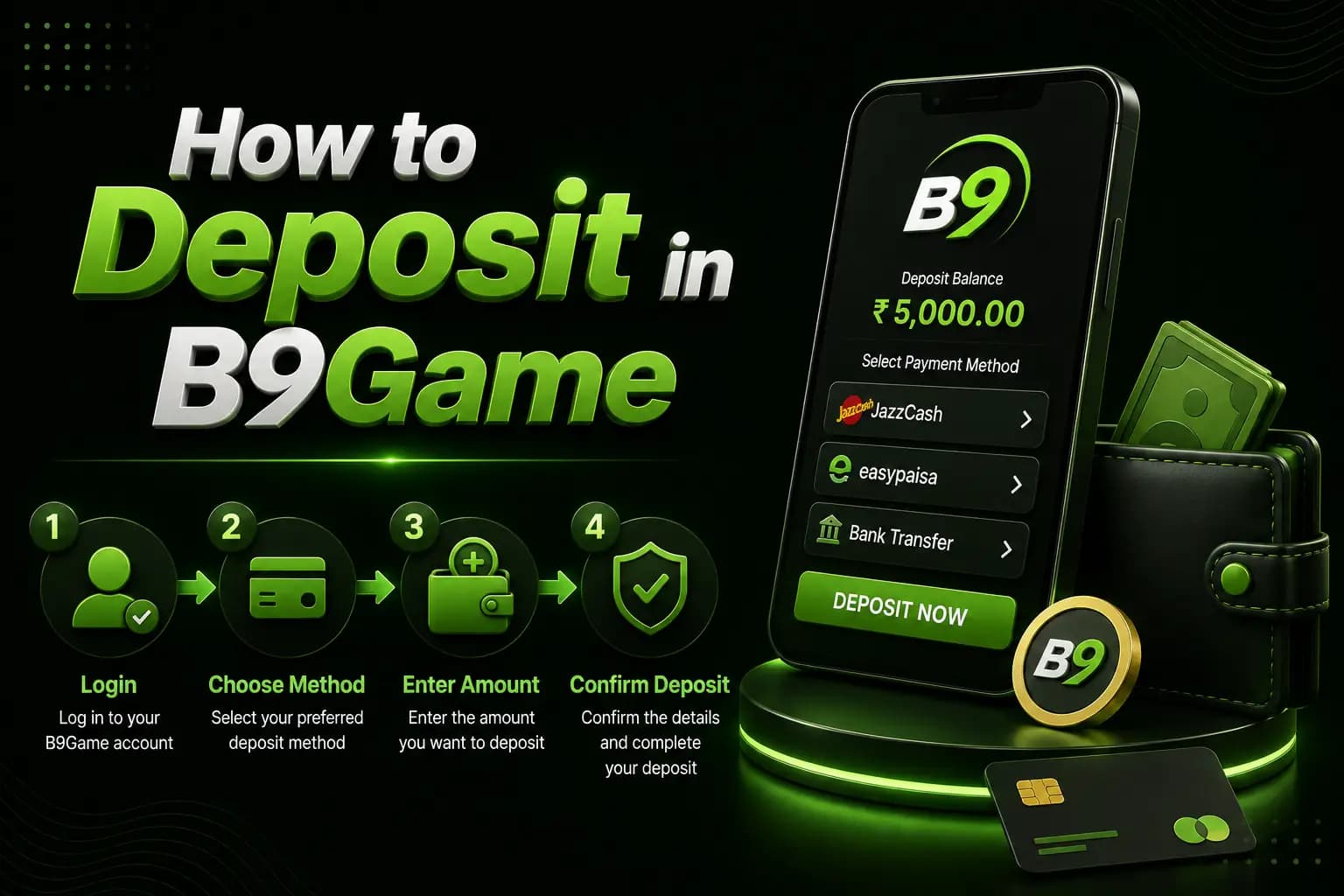
1Log In
Open the verified platform and sign in with the registered number. The public deposit route currently redirects unauthenticated visitors to the login interface.
2Open the Wallet
Look for Wallet, Deposit, Cash Deposit or Add Funds. The public homepage currently includes a Wallet navigation item.
3Choose a Payment Method
Select only a method shown inside the account.
Possible third-party-reported options include:
- EasyPaisa
- JazzCash
- Bank account
- Other wallet methods
Do not assume an old screenshot is still valid.
4Enter the Amount
Choose an amount within the displayed limit. Start with an amount you can afford to lose. Do not deposit money required for essential expenses.
5Read Bonus Conditions
Some deposit screens automatically select a promotion.
Before accepting it, check:
- Turnover requirement
- Eligible games
- Expiry
- Maximum bet
- Withdrawal restriction
- Deposit qualification
- Maximum bonus
A larger displayed balance may include a restricted bonus rather than immediately withdrawable money.
6Transfer the Payment
Enter the recipient information exactly as displayed.
Double-check:
- Account title
- Mobile number
- Bank or wallet
- Amount
- Reference
- Expiry timer
7Save Evidence
Keep:
- Payment screenshot
- Transaction ID
- Recipient details
- Date and time
- Deposit-order number
- Platform balance before payment
8Wait for Confirmation
Do not immediately repeat the transfer if the balance does not update. First confirm whether the payment provider shows it as completed, pending or reversed.
Deposit Safety Rules
Never Share an OTP
A payment OTP or wallet PIN should remain private. Support should not need your complete password or wallet PIN to locate a transaction.
Do Not Trust Changed Payment Details
Fraudsters may claim that the old payment account is unavailable and provide a new personal number. Only use details generated inside the logged-in deposit screen.
Avoid Multiple Pending Deposits
Repeated payments can make reconciliation more difficult. Resolve the first transaction before sending another.
Check the Recipient Name
A mismatched recipient should be treated as a warning, particularly when the account screen displays a different title.
B9Game Deposit Pending
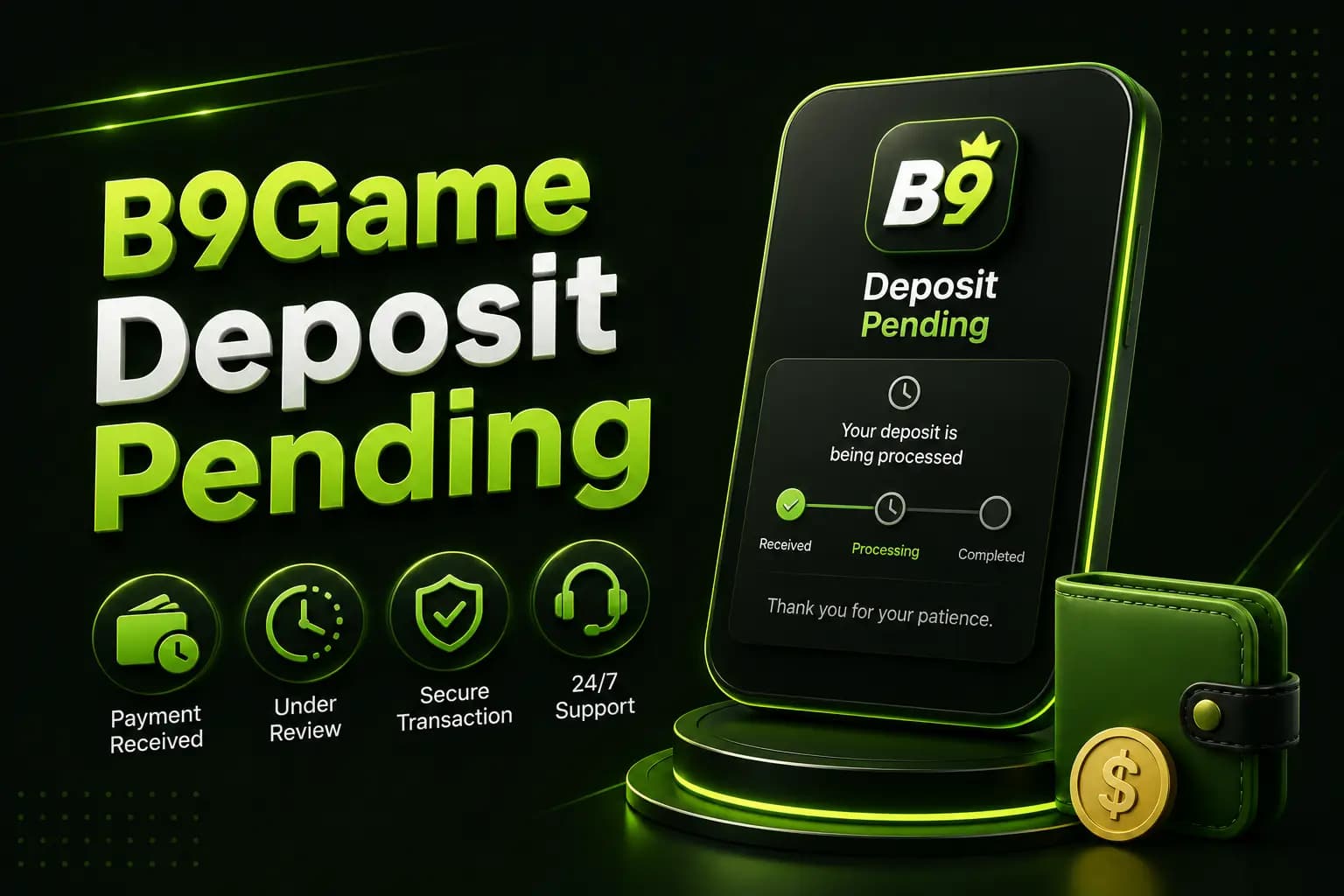
A deposit may remain pending because of:
- Payment-provider delay
- Incorrect transaction reference
- Platform maintenance
- Network failure
- Amount mismatch
- Expired payment order
- Verification review
- Duplicate request
User comments on a third-party deposit guide have reported pending balances lasting several days, so “instant” processing should not be guaranteed.
What to Do When the Balance Is Not Updated
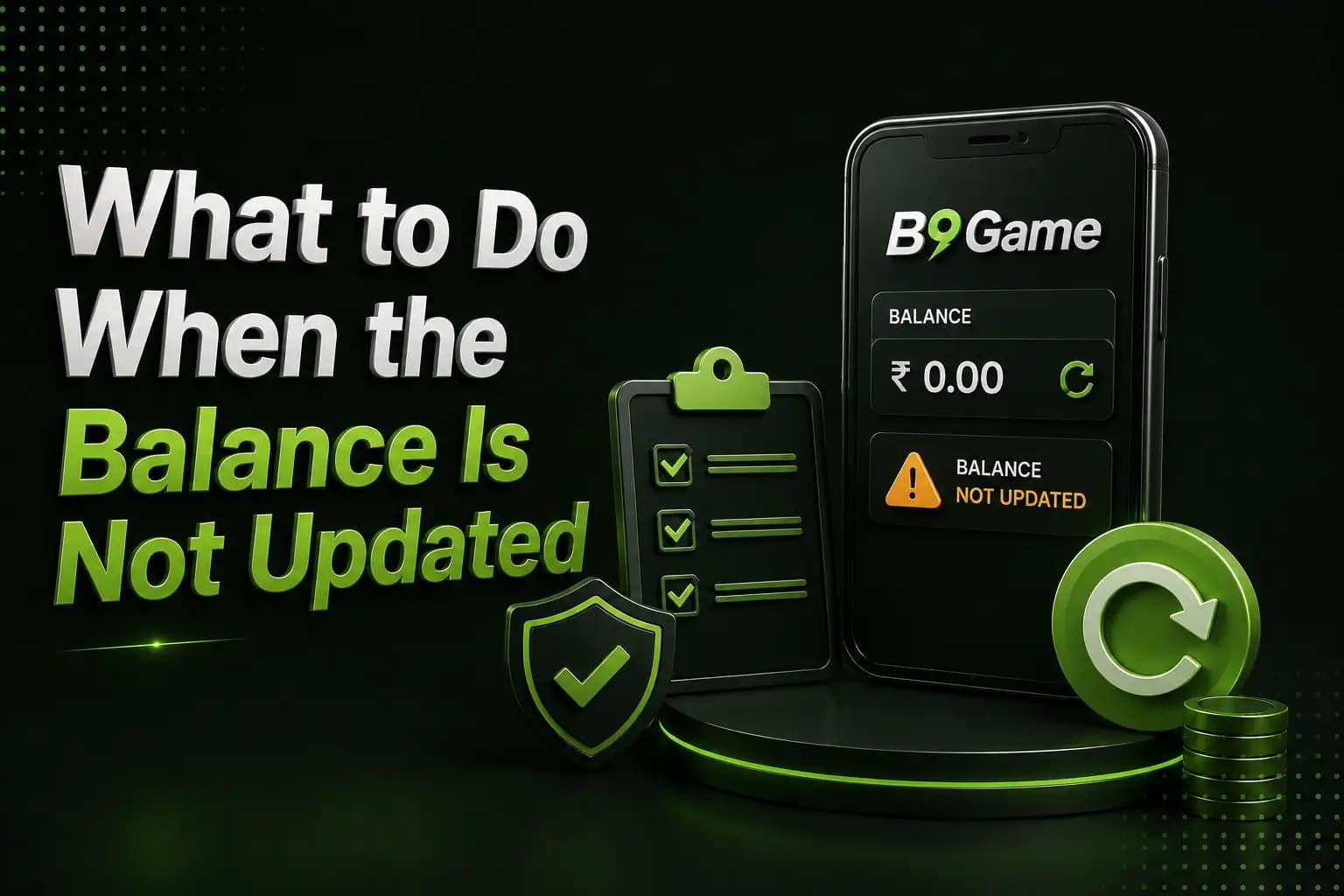
- Do not delete the payment receipt.
- Check whether the wallet deducted the amount.
- Refresh the transaction-history page.
- Confirm the receiving account.
- Save a screenshot of the pending order.
- Contact in-app support.
- Provide the transaction ID, not the wallet PIN.
- Avoid sending another payment until the first is resolved.
Frequently Asked Questions
Which B9Game deposit methods are supported?
Third-party pages mention EasyPaisa, JazzCash and bank payments. Check the logged-in deposit page for current options.
What is the minimum deposit?
Published values conflict and may change. Use the live account screen as the current source.
How long does a deposit take?
Processing depends on the payment provider, network, platform status and verification. Do not rely on guaranteed seconds or minutes.
Can I deposit from someone else's wallet?
This may create account-name and withdrawal-verification problems. Use a payment method that you control.
Why is my deposit pending?
Possible causes include provider delay, incorrect reference, expired order, network failure or internal review.
Should I deposit to claim a bonus?
Read the turnover and withdrawal conditions first. A bonus does not remove the risk of losing the deposit.
The safest B9Game deposit process is based on the instructions inside the logged-in wallet.
Check the recipient, amount and bonus conditions, then save the complete transaction evidence. Never send money using payment details received outside the verified platform.