
The current public login interface displays a mobile-number field, password field, forgotten-password option, registration link and Google login option.
Always confirm the domain before entering login information.
How to Log In to B9Game
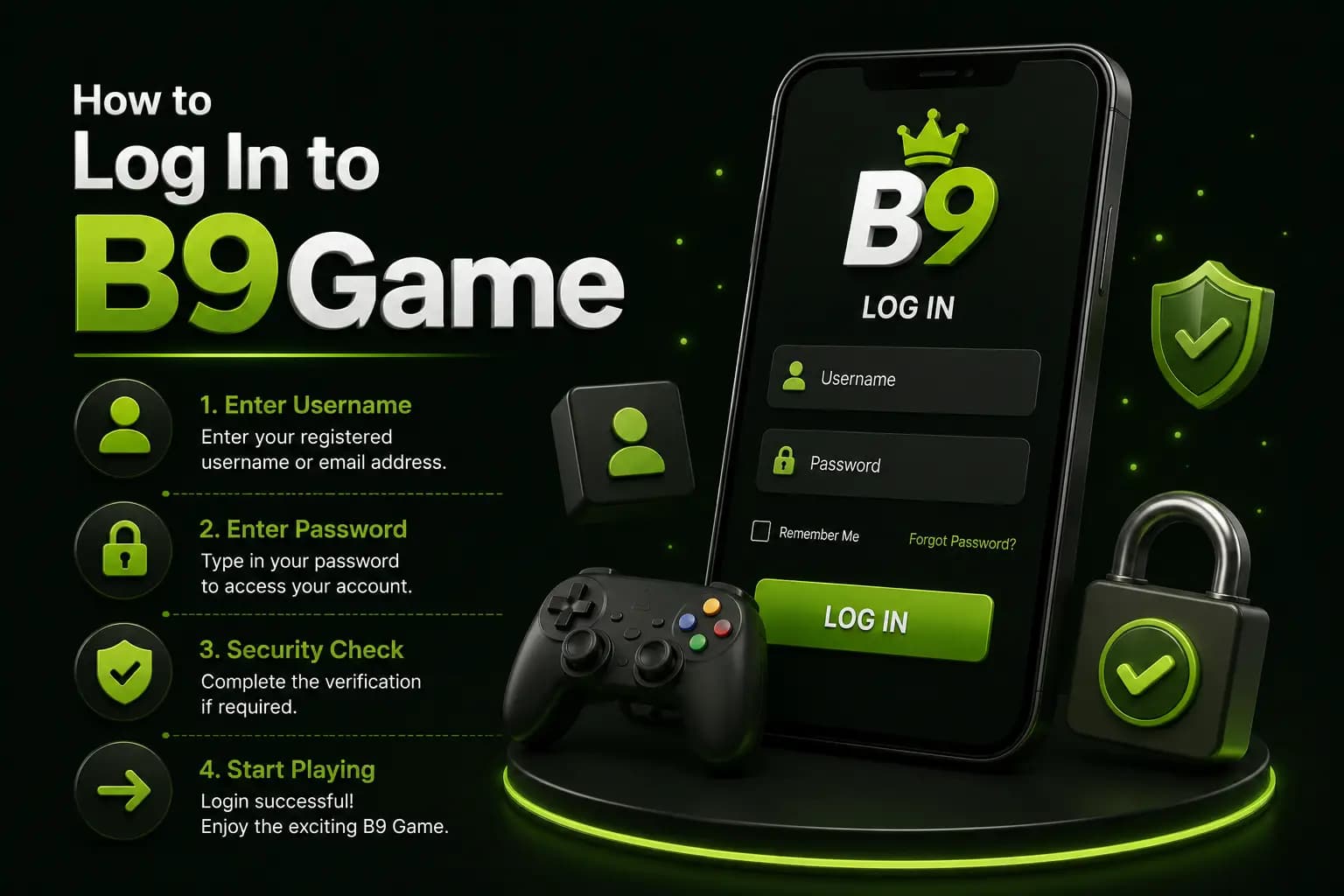
1Open the Login Page
Use a saved, verified address instead of searching for a new login link every time. Search results may contain copied pages designed to collect passwords.
2Check the Country Code
Pakistani users may see +92 before the phone-number field. Enter the number in the same format used during registration.
3Enter the Password
Type the password carefully.
Check:
- Uppercase letters
- Lowercase letters
- Numbers
- Spaces added accidentally
- Keyboard language
- Auto-correction
4Press Confirm
Wait for the account dashboard to load. Avoid pressing the button repeatedly because this may create duplicate requests or temporary access restrictions.
B9Game Login Problems
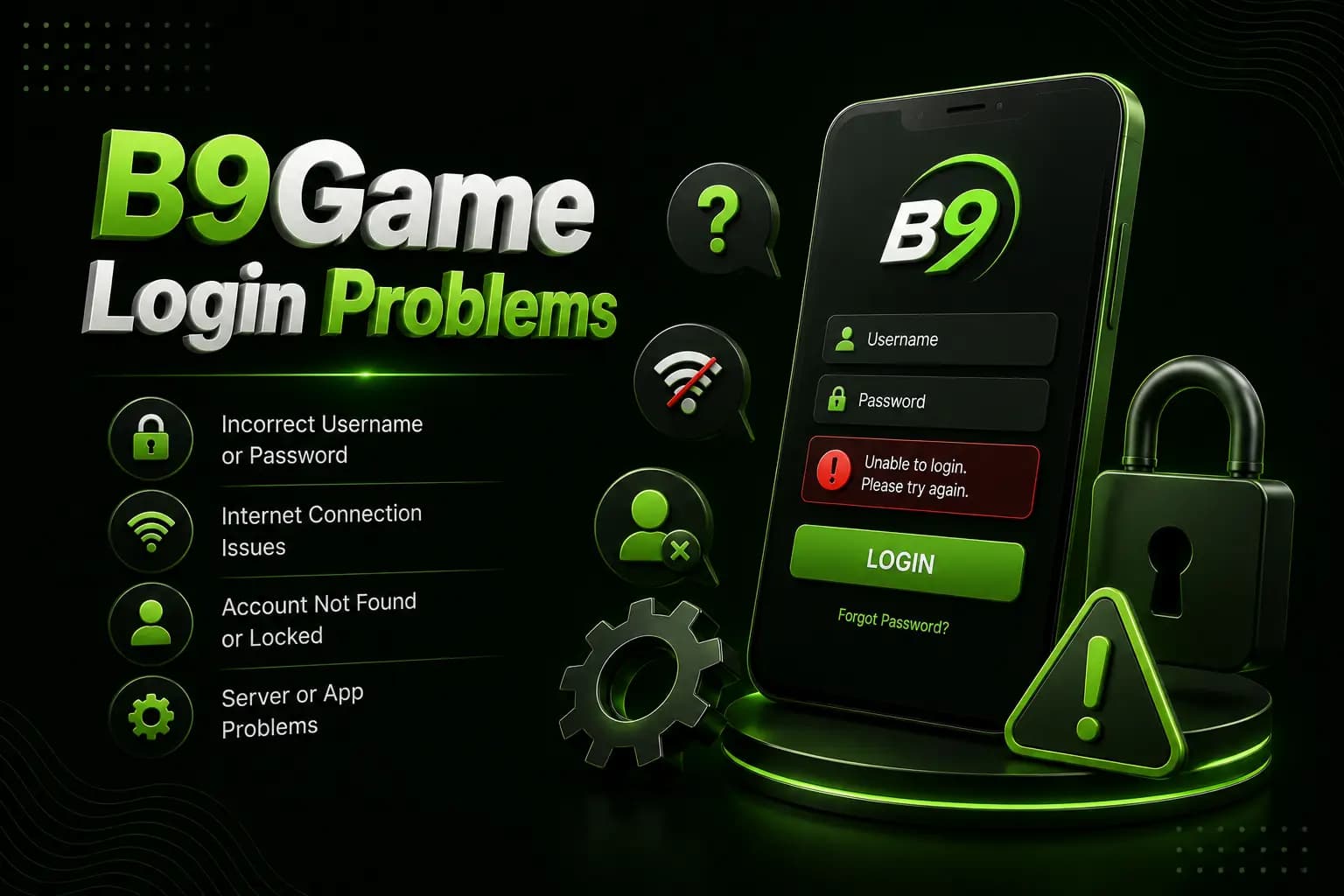
Incorrect Phone Number or Password
Make sure you are using the registered phone number rather than a payment-wallet number that was added later.
Try typing the password manually instead of relying on an old saved password.
Forgotten Password
Use the Forgotten Password option shown on the login page. Only reset the password through the verified platform. Do not pay someone to recover it.
OTP Is Not Received
Possible causes include:
- Weak mobile signal
- Incorrect number format
- SMS delay
- Repeated requests
- Inactive SIM
- Blocked short-code messages
- Platform maintenance
Wait briefly before requesting a new code.
Network Error
Recent crawls of account and home routes have displayed network-error messages. This means some login interruptions may come from the platform side rather than the user's password.
Test the internet connection and try again later before changing important account settings.
Account Is Locked
Repeated login attempts, unfamiliar-device access or verification requirements may result in temporary restriction.
Stop repeated attempts and save:
- Error screenshot
- Account phone number
- Date and time
- Device details
- Recent transaction reference
Contact support through the platform interface.
Account Opens with the Wrong Balance
Do not make another deposit.
Check:
- Correct phone number
- Transaction history
- Wallet selection
- Bonus wallet
- Recent withdrawal
- Platform maintenance notice
Save screenshots before contacting support.
Secure Login Rules
- Never share your password
- Never share an OTP
- Avoid login links sent by strangers
- Do not allow remote phone control
- Use a unique password
- Log out on shared devices
- Keep the SIM active
- Change the password after suspicious access
Frequently Asked Questions
What information is required for login?
The current public page asks for a mobile number and password.
Can I log in with Google?
A Google login option is currently visible, although availability may depend on the device or account.
Why does B9Game show a network error?
The platform may be under maintenance, the server may be unavailable or the user's connection may be unstable.
Can I log in without registering?
No. A login requires an existing account.
What should I do after unauthorized access?
Change the password, review linked payment details, save account records and contact in-app support.
The B9Game login process uses a phone number and password, with a recovery option for forgotten credentials.
Use only a verified login page, avoid repeated attempts during network errors and never disclose passwords or verification codes.