
Bonus balances, unsettled games, verification checks or platform conditions may affect eligibility.
Third-party websites publish different minimum amounts and processing times, including unsupported claims of withdrawals within a few minutes. These figures should not be presented as guaranteed.
Requirements Before Withdrawal
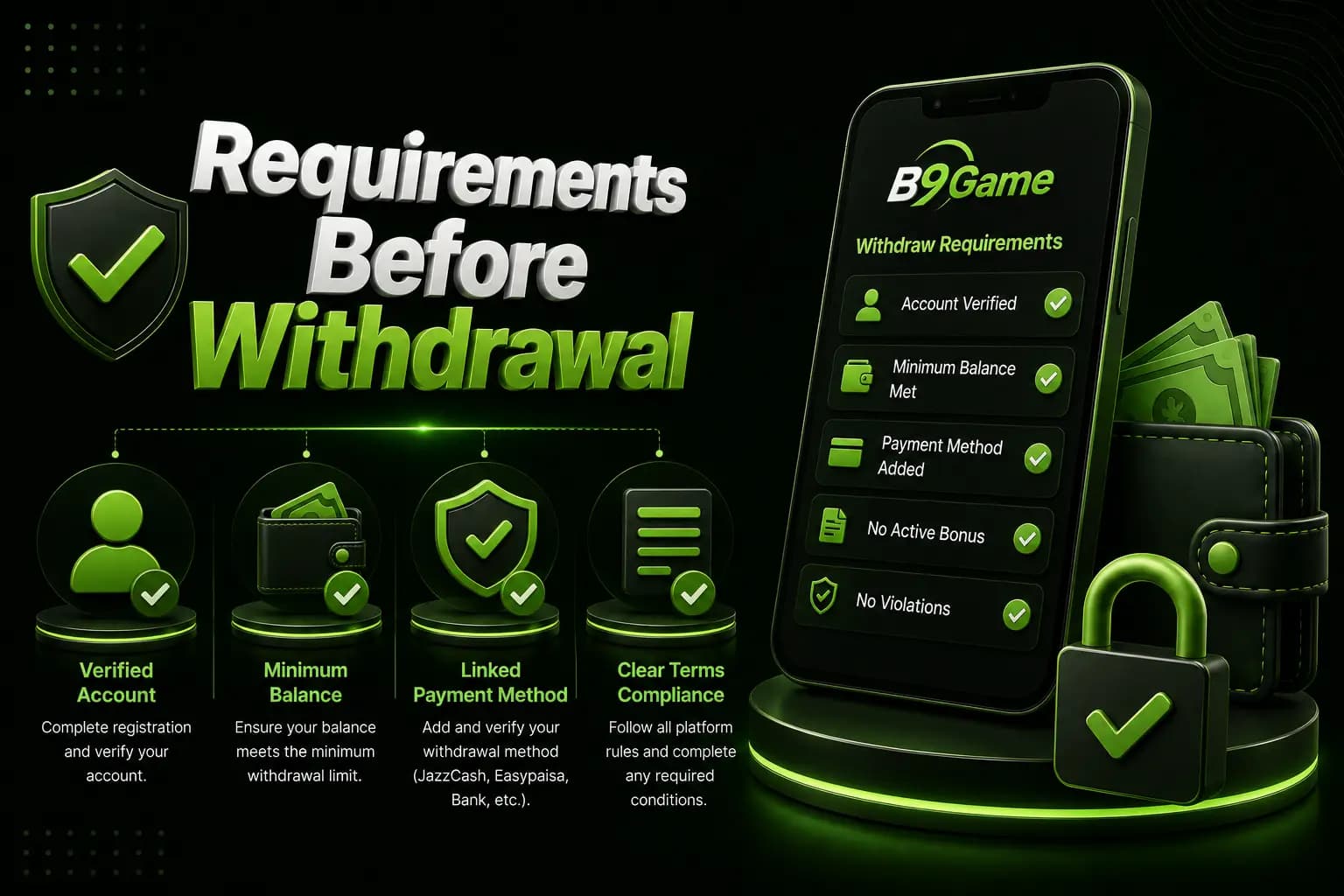
Check:
- Registered mobile number
- Available cash balance
- Linked payment method
- Correct wallet account
- Account-name match
- Bonus turnover
- Minimum withdrawal
- Daily or account limits
- Pending withdrawals
- Identity-verification status
How to Withdraw from B9Game
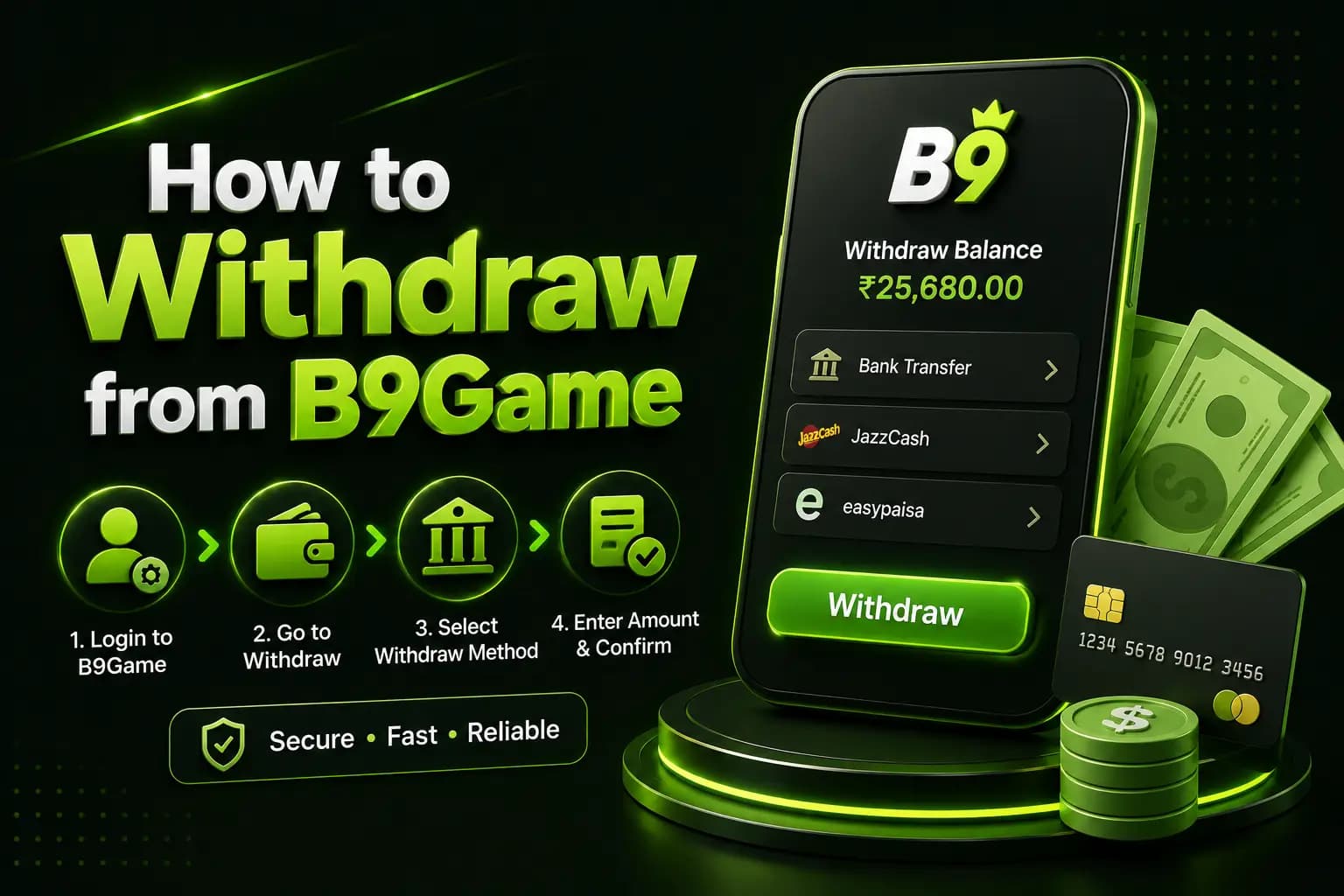
1Log In
Open the verified login page and enter the registered phone number and password.
2Open Wallet or Account
Look for:
- Wallet
- Withdraw
- Cash Out
- Account
- Transaction History
3Bind a Payment Method
The platform may ask for an EasyPaisa, JazzCash, bank or other wallet account. Only bind an account you control.
Check the number several times because an incorrect digit may send funds to the wrong account or cause rejection.
4Check the Withdrawable Balance
Separate:
- Cash balance
- Bonus balance
- Pending winnings
- Locked promotion
- Withdrawable amount
Do not rely only on the large balance displayed on the dashboard.
5Enter the Amount
Enter an amount within the current limit displayed by the account. Do not divide one request into several smaller requests unless the platform specifically requires it.
6Confirm the Request
Review:
- Withdrawal method
- Account number
- Account name
- Amount
- Fee
- Estimated status
- Request ID
7Save the Record
Take a screenshot showing:
- Date
- Amount
- Wallet
- Request number
- Pending status
Do not publicly share a screenshot containing complete payment credentials.
Withdrawal Status Meanings
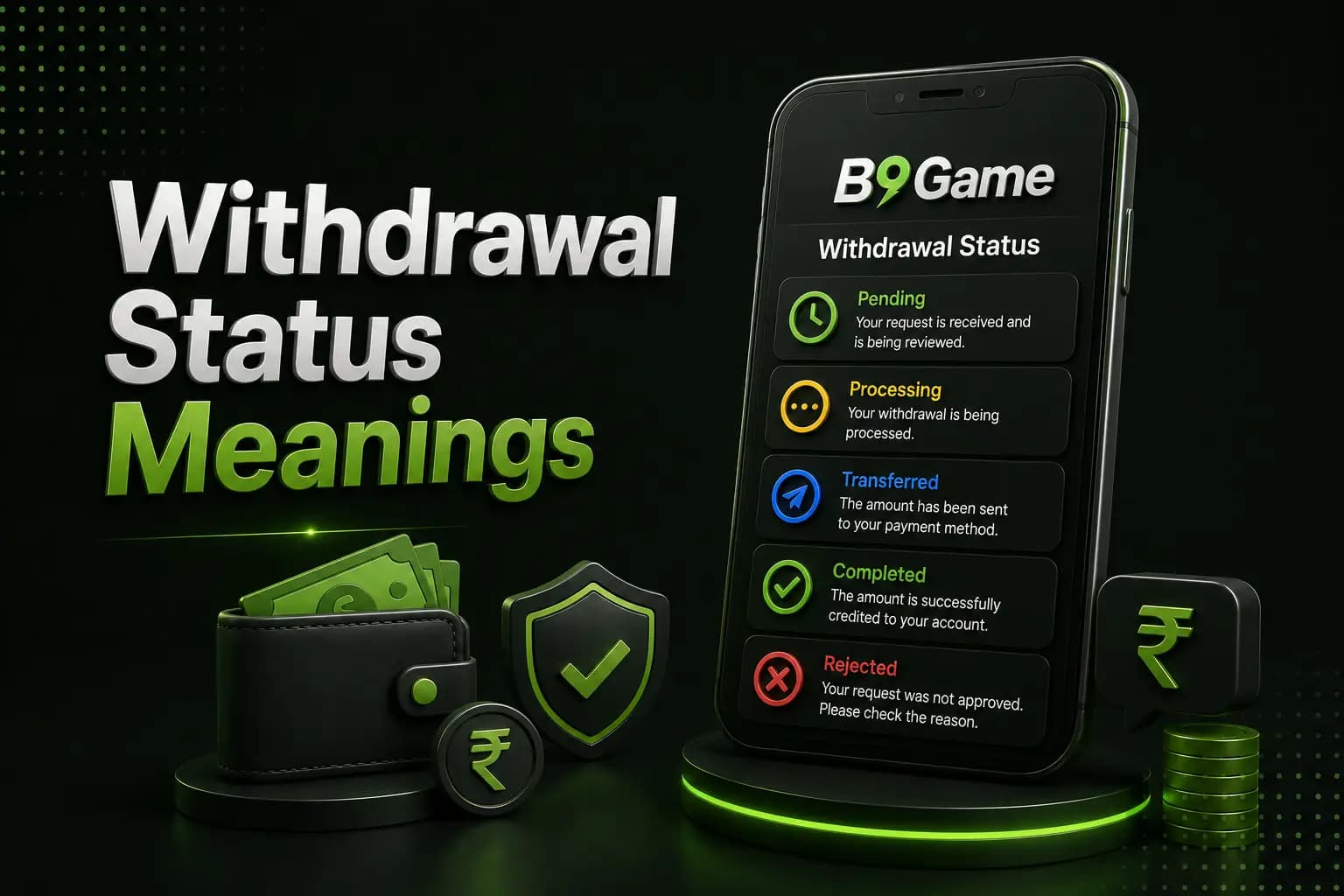
| Status | Meaning |
|---|---|
| Pending | The request has been submitted but has not reached a final result. |
| Processing | The platform or payment provider may be reviewing or transferring it. |
| Completed | The platform marks the request as sent. Confirm the receiving wallet independently. |
| Rejected | The request may have failed due to account information, balance eligibility, limits, verification or another condition. |
| Reversed | The amount may have returned to the platform wallet after a failed transfer. |
Why a B9Game Withdrawal May Be Pending
- Incorrect wallet details
- Name mismatch
- Incomplete verification
- Bonus turnover
- Payment-provider delay
- Platform maintenance
- Review of unusual account activity
- Multiple withdrawal requests
- Unsupported payment method
- Insufficient eligible balance
What to Do About a Pending Withdrawal
- Check the status in transaction history.
- Confirm the destination wallet.
- Review bonus conditions.
- Save the request ID.
- Wait through the displayed processing window.
- Contact support through the account.
- Provide the request ID and relevant screenshot.
Never provide your wallet PIN or OTP. Do not pay an extra “unlock fee” to a private contact.
Withdrawal Rejected
When a request is rejected, read the displayed reason. Correct only the identified problem.
Common issues include:
- Incorrect account number
- Unsupported wallet
- Below-minimum request
- Above-limit request
- Incomplete account binding
- Turnover not completed
- Duplicate account
- Security review
Do not deposit more money simply because someone says that a withdrawal requires a “verification deposit.”
Withdrawal Safety Warnings
Be cautious when someone:
- Requests an advance fee
- Asks for a wallet PIN
- Requests an OTP
- Offers priority approval
- Wants remote phone access
- Moves the conversation outside in-app support
- Promises to double the withdrawal
- Claims a tax must be paid to a personal wallet
Frequently Asked Questions
Which withdrawal methods are available?
Third-party pages mention Pakistani wallets, but the live account should be used to confirm current options.
What is the minimum B9Game withdrawal?
Published minimums conflict. Check the amount displayed inside your account.
How long does a withdrawal take?
No fixed time can be guaranteed. Processing depends on verification, the platform and the payment provider.
Why is my withdrawal pending?
Possible causes include account review, payment delay, incorrect details or incomplete bonus conditions.
Can I withdraw a bonus?
That depends on the offer's turnover and withdrawal rules.
Should I pay a fee to unlock a withdrawal?
Do not send an unofficial payment to a person claiming they can approve the request.
What evidence should I save?
Keep the request ID, amount, date, wallet details, status screenshot and support conversation.
The B9Game withdrawal process begins with accurate wallet details and a genuinely withdrawable balance.
Review payment information and promotion conditions before submitting. Save the request record, use in-app support for delays and never disclose an OTP or wallet PIN.