
Published July 6, 2026
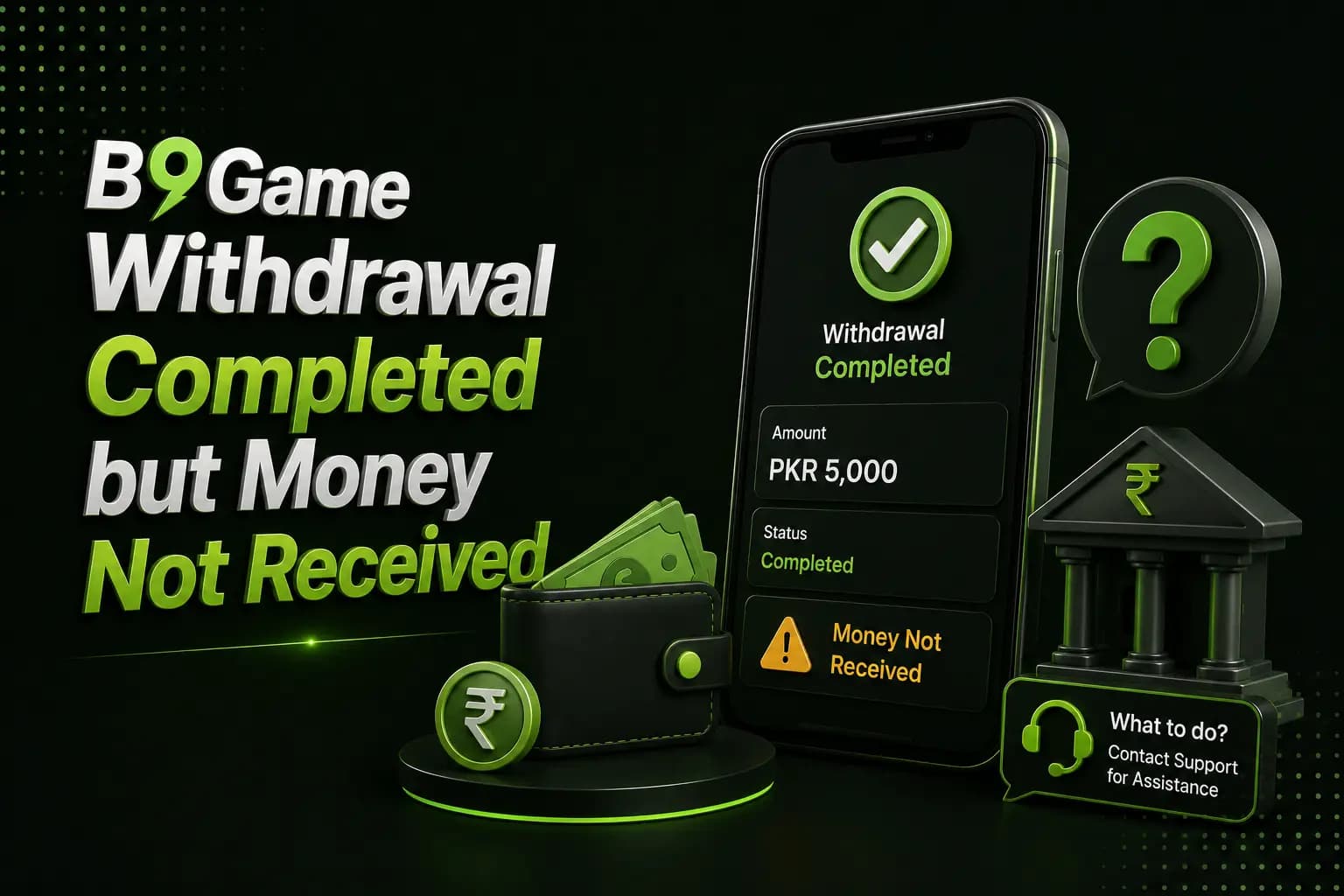
A B9Game withdrawal may display as completed, successful or deducted while the receiving wallet has not yet received the money.
The first step is to confirm what the displayed status actually means. Some platforms use "completed" when an internal withdrawal request has been approved, while the external wallet transfer may still be processing.
Third-party pages mention JazzCash, EasyPaisa, SadaPay and bank accounts as possible withdrawal methods. However, methods and processing rules should be checked inside the live account rather than assumed from an old article.
Check the Withdrawal Status Carefully
Pending
The request has been submitted but is waiting for review or processing.
Processing
The platform may be preparing or sending the payment.
Waiting Callback
The platform may be waiting for a response from the payment provider.
A user comment on a third-party withdrawal page specifically reported a Waiting_Callback status after the balance was deducted.
Completed or Successful
The platform considers the request processed.
You should still check the receiving wallet for an incoming transaction and reference number.
Rejected
The request was not approved. The amount may return to the game balance.
Reversed
The payment failed and was returned or is expected to return.
Why the Money May Not Have Arrived
Payment-Provider Delay
The withdrawal may leave the gaming account before appearing in the wallet.
Payment networks, banks and mobile wallets can experience delays or maintenance.
Incorrect Wallet Number
One wrong digit can cause rejection or send the payment to the wrong destination.
Compare the bound withdrawal number with the account you are checking.
Account-Name Mismatch
A wallet registered to another person may create additional verification or payment problems.
Use an account that you control and check the platform's account-matching rules.
Withdrawal Is Completed Internally Only
The status may mean that the game has approved the request but has not yet received final confirmation from the external provider.
Bonus or Withdrawable-Balance Issue
A cash balance, bonus balance and withdrawable balance may be different.
Comments on a third-party B9Game withdrawal article include users reporting that money appeared in cash balance but not in withdrawable balance.
Platform Maintenance
A server or payment-service interruption can delay status updates.
Avoid reinstalling the application or changing wallet details while an active request is being processed.
Information to Collect
Save:
- B9Game user ID
- Withdrawal order number
- Requested amount
- Bound wallet number
- Request date and time
- Completed-status screenshot
- Game balance before and after
- Receiving-wallet statement
- Support ticket number
Keep original screenshots. Cropped images may hide information needed to trace the transaction.
What to Do Step by Step
1Confirm the Correct Wallet
Open the wallet linked to the withdrawal rather than another account on the same phone.
Check the complete transaction history, not only notification messages.
2Review the Bound Number
Compare the final digits with your active EasyPaisa, JazzCash or bank account.
Do not change the number during an unresolved withdrawal unless support instructs you through a verified channel.
3Check Withdrawal History
Record the exact status and request number.
A deducted balance without an order record should be reported immediately.
4Wait Through the Displayed Window
Follow the processing window shown in the account, when one exists.
Third-party sites provide inconsistent promises ranging from seconds to longer periods, so these times should not be treated as guaranteed.
5Contact In-App Support
Provide the order details in one organized message. Example:
"My withdrawal shows completed, but the amount has not reached the linked wallet. User ID: [ID]. Order: [number]. Amount: [amount]. Requested at: [date and time]. Please provide the payment reference or current provider status."
6Contact the Wallet Provider
When B9Game provides a transaction reference, ask the receiving wallet or bank to trace it.
Do not share your MPIN, password or OTP.
Withdrawal Scam Warnings
A delayed withdrawal can attract scammers who promise faster approval.
Reject anyone who asks for:
- A release fee
- A tax sent to a personal wallet
- Another deposit
- An OTP
- Your wallet PIN
- Remote phone access
- A password
- A payment to activate customer support
JazzCash states that it will never ask customers for their PIN, OTP or password. EasyPaisa also warns users not to share their secret OTP or PIN.
Frequently Asked Questions
Why does the withdrawal show completed but not appear in my wallet?
The platform may have approved it internally while the payment provider is still processing it, or the wallet details may be incorrect.
What is Waiting Callback?
It can indicate that the platform is waiting for confirmation from an external payment service.
Should I request another withdrawal?
Avoid creating another request until the first one has reached a final status.
Can support ask for my wallet PIN?
No. Do not share an MPIN, OTP or password.
What should I ask support to provide?
Ask for the withdrawal status, payment reference and destination details with sensitive digits hidden.
Can bonus money be withdrawn?
That depends on the bonus conditions and displayed withdrawable balance.