
The current public registration screen displays a +92 phone-number field, password field, optional invitation code, privacy agreement and Google registration option.
The interface may change, so users should review every field on the live registration page.
Requirements Before Registration
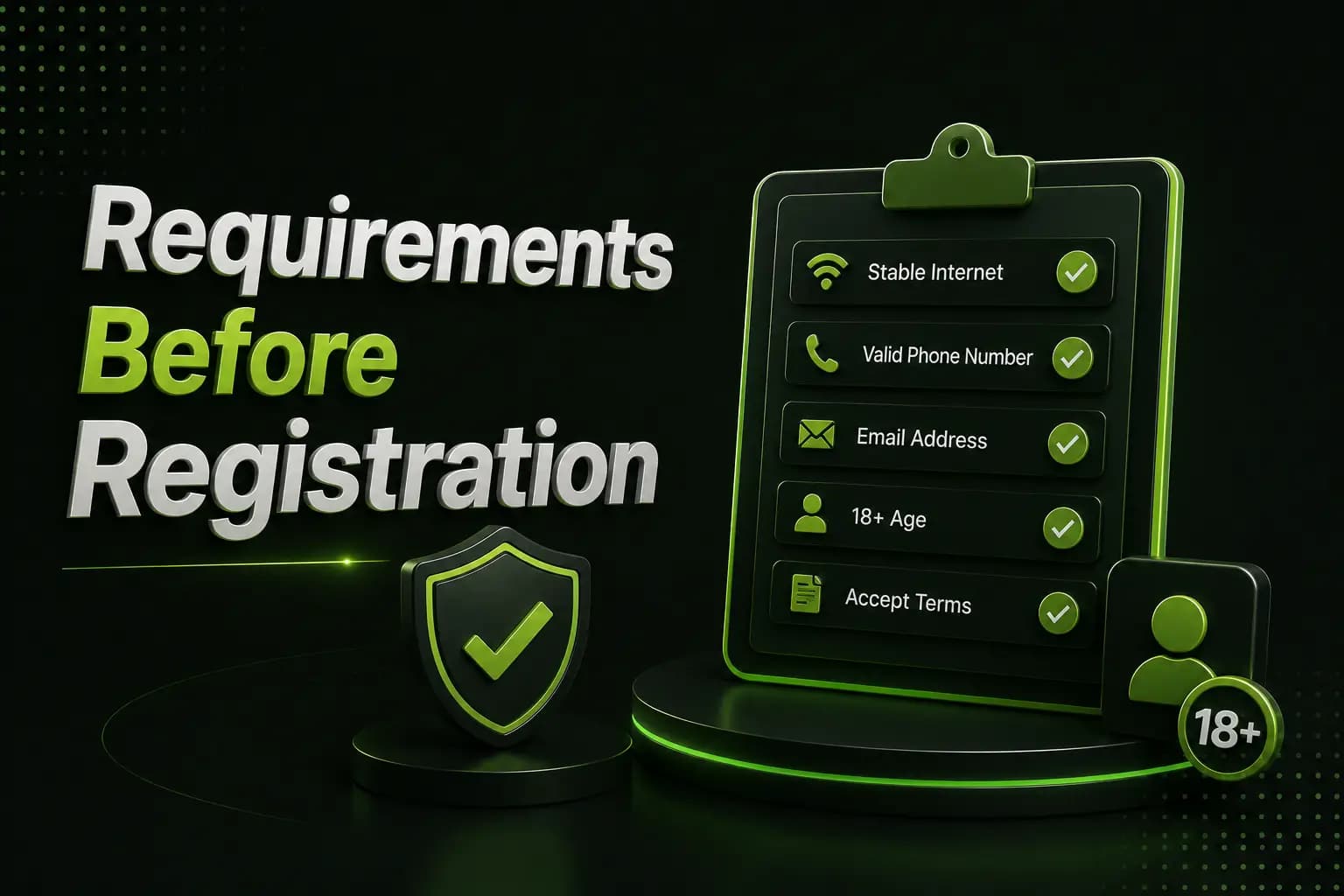
Prepare:
- An active mobile number
- Access to incoming SMS
- A unique password
- A secure personal device
- Time to read the privacy terms
- An invitation code only when one is available
Do not create an account using a borrowed number. It may prevent password recovery later.
How to Register a B9Game Account
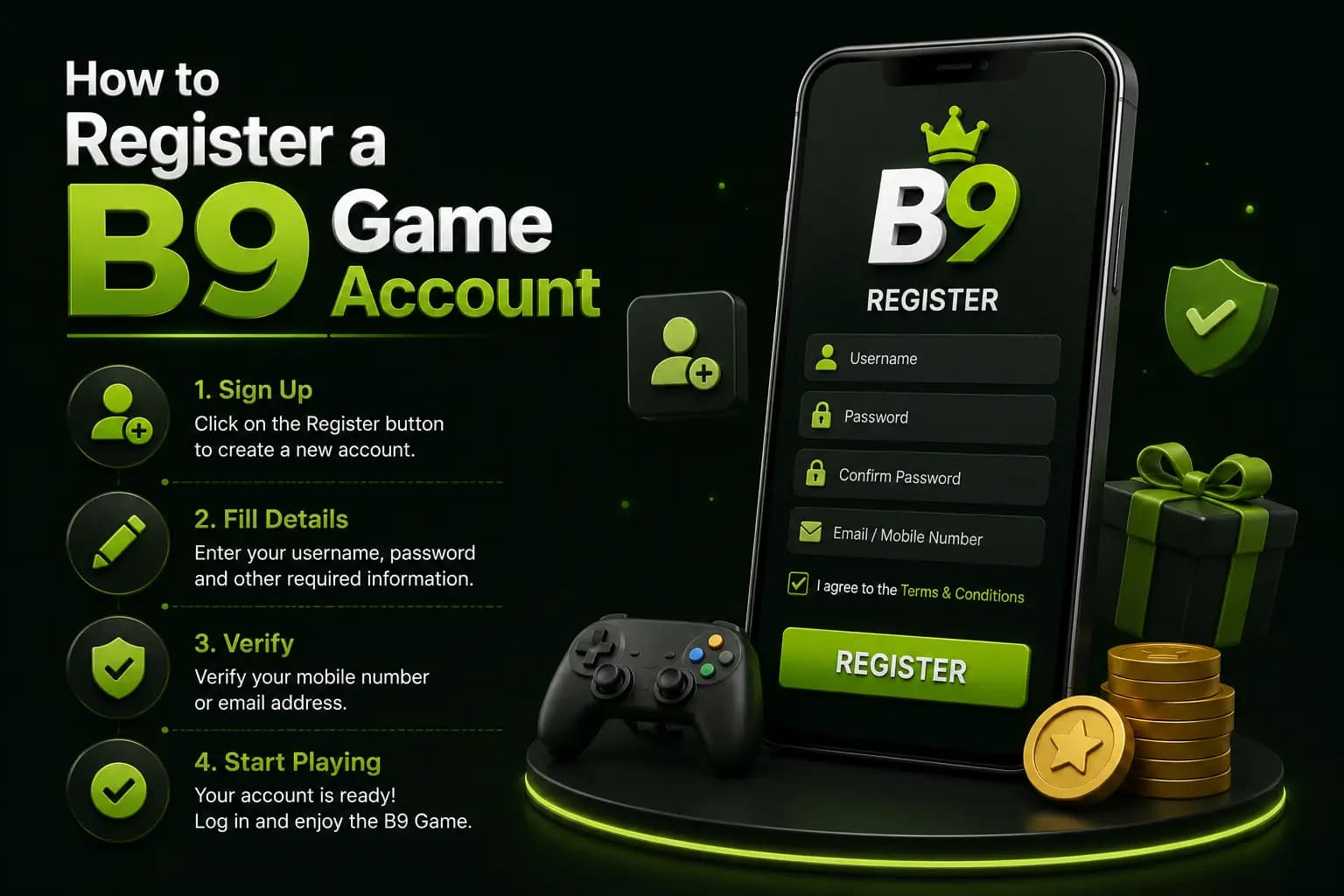
1Open the Registration Page
Use the Register option displayed on the platform.
Check the complete domain before entering a phone number. A fake registration page can collect credentials without creating a real account.
2Select the Correct Country Code
Pakistani users should normally see +92.
Enter the mobile number in the format requested by the form. Avoid adding an extra zero when the interface already provides the country code.
3Create a Strong Password
Use a password that:
- Is not used on another website
- Contains letters and numbers
- Is difficult to guess
- Does not include your phone number
- Is stored in a secure password manager
Avoid passwords such as:
- 123456
- password
- Your name
- Your birth year
- The game name
4Enter an Invitation Code
The current form labels the invitation code as optional.
Only use a code from a person or source you recognize. An invitation code may connect the account with a referral arrangement. Read the conditions before assuming that it provides a withdrawable reward.
5Read the Privacy Agreement
The public registration form asks users to agree to a privacy agreement.
Review how the platform describes:
- Phone-number use
- Account records
- Payment information
- Device data
- Marketing messages
- Account closure
- Dispute handling
Do not tick an agreement box without opening the terms where possible.
6Complete Verification
The platform may send an OTP or ask for another verification step.
Never send the OTP to:
- A WhatsApp stranger
- Telegram support
- A social-media commenter
- A person offering a bonus
- Someone offering account recovery
An OTP should only be entered into the verified platform interface.
7Confirm the Account
After registration, check that:
- The phone number is correct
- The account opens normally
- The wallet begins at the expected balance
- No unknown payment method is linked
- The password-recovery option is available
Account Setup After Registration
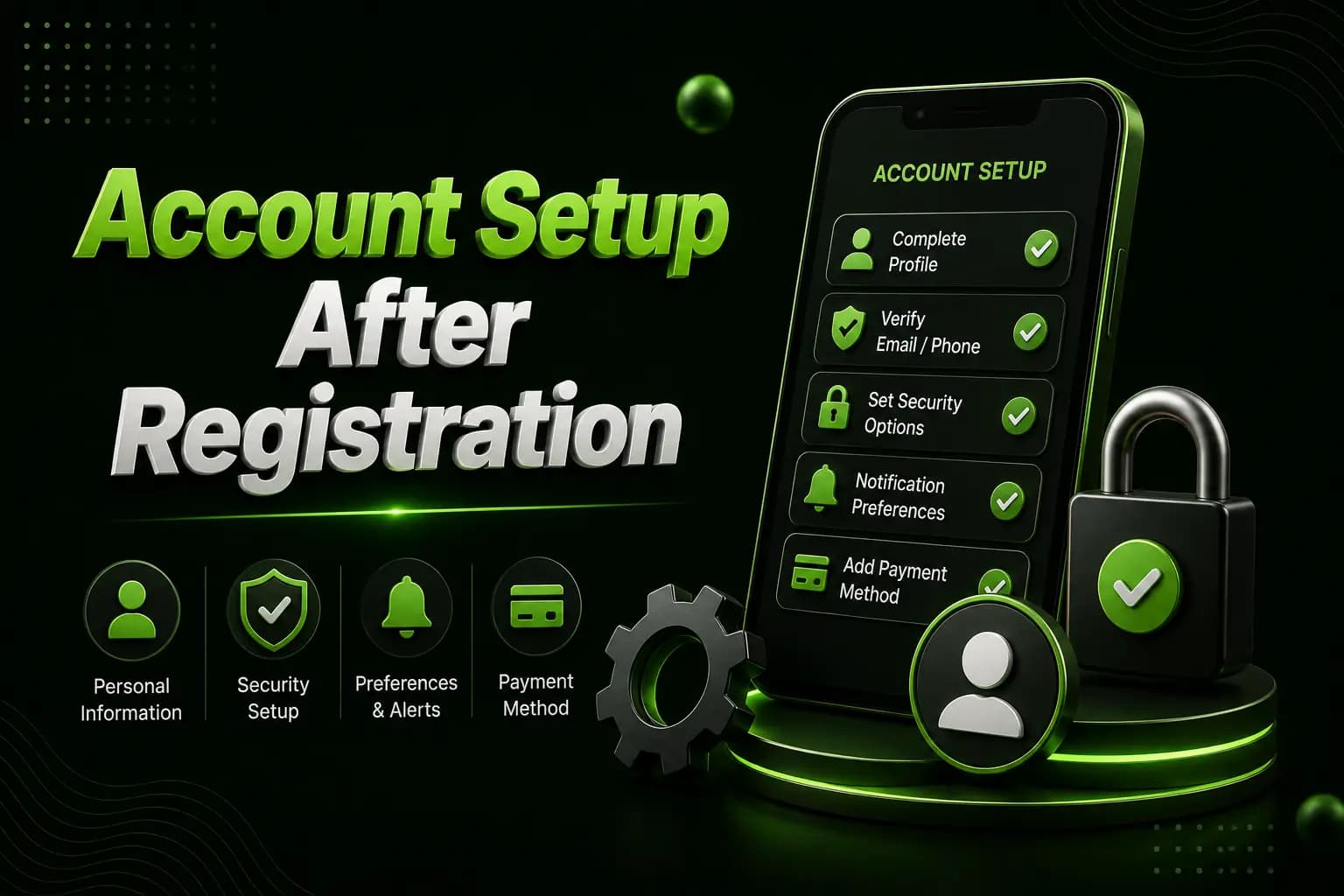
Complete Only Necessary Details
Do not upload identity documents unless:
- The platform clearly requests verification
- You understand why it is required
- The website identity has been checked
- The upload page uses a secure connection
- The privacy policy explains document handling
Check Wallet Details
Before adding funds, verify whether the wallet or payment account must match the registered mobile number. Mismatched names or numbers can delay a withdrawal.
Review Promotions
A new account may display registration or deposit offers. The public homepage currently shows promotional and referral areas, but their values and rules can change.
Check:
- Minimum deposit
- Turnover
- Eligible games
- Expiry
- Withdrawal conditions
- Maximum reward
- Referral qualification
Registration Problems
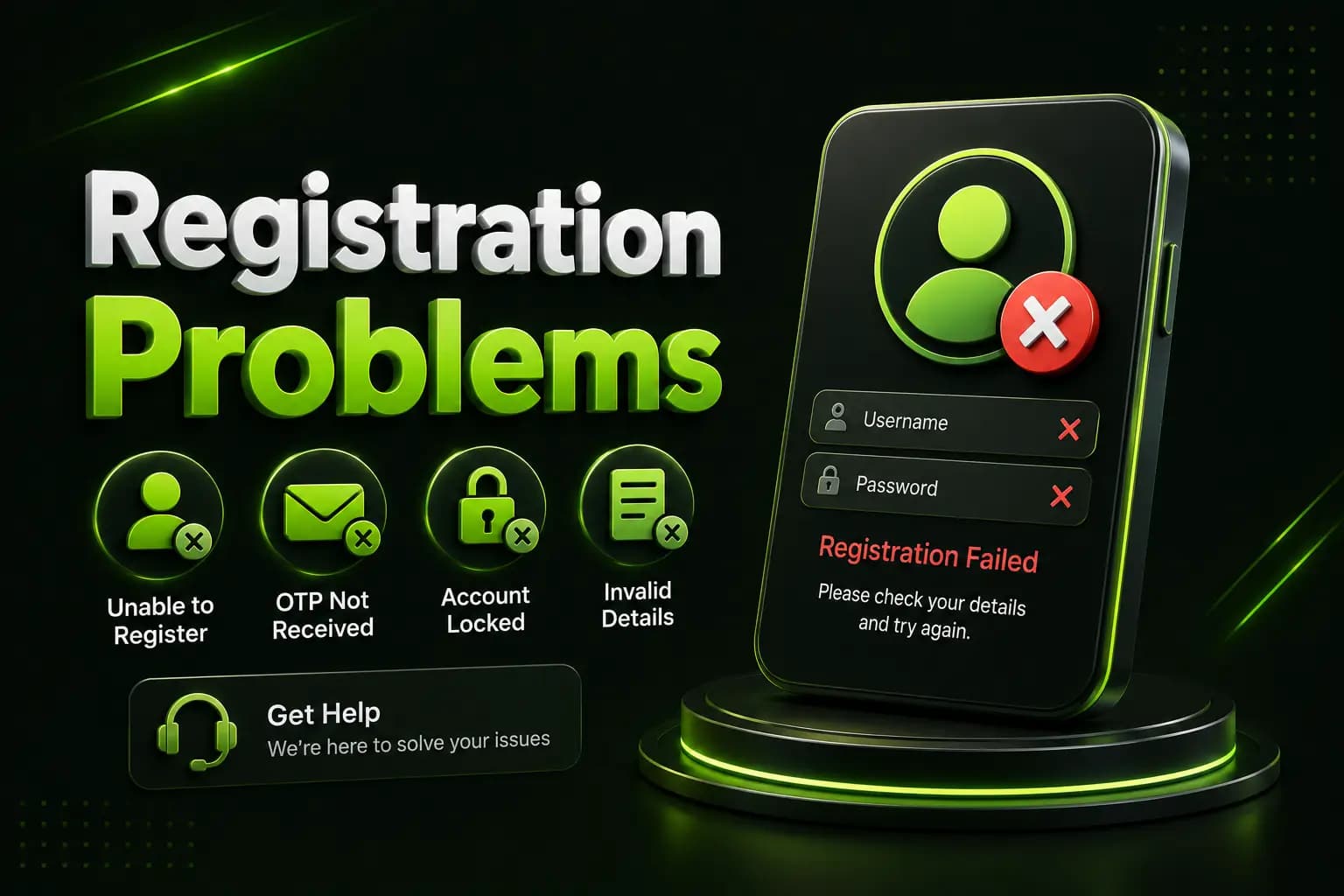
Phone Number Is Rejected
Check:
- Country code
- Extra zero
- Missing digit
- Unsupported network
- Existing account
- Temporary network error
OTP Is Not Received
Wait before requesting another code.
Also check:
- Mobile signal
- SMS inbox
- Blocked-message settings
- Correct phone number
- Request frequency
- SIM activity
Too many repeated requests may temporarily restrict verification.
Number Is Already Registered
Use the login or forgotten-password option instead of creating another account. Multiple accounts may also conflict with bonus or identity rules.
Invitation Code Is Not Working
The code may be:
- Expired
- Entered incorrectly
- Restricted to new users
- Connected to another campaign
- Unsupported in the current version
Because the field is shown as optional, registration should not depend on an invitation code unless the live form states otherwise.
Account Security Tips
- Use a separate password
- Never share an OTP
- Avoid public Wi-Fi during account setup
- Do not save credentials on a shared phone
- Log out after using another device
- Check linked wallets regularly
- Change the password after suspicious activity
- Contact in-app support rather than social-media accounts
Frequently Asked Questions
Is B9Game registration free?
Creating an account and depositing money are separate actions. Check the live form for any current account-related condition.
Is a Pakistani number required?
The public registration page currently displays the +92 country code.
Is the invitation code compulsory?
The present form labels it as optional.
Can I create two B9Game accounts?
Review the platform terms before creating multiple accounts. Multiple registrations may create verification, payment or promotion problems.
Why have I not received an OTP?
Network delays, an incorrect number, repeated requests or blocked SMS messages may be responsible.
Can someone register an account for me?
It is safer to register personally with a number and password you control.
Should I deposit immediately after registration?
No. First review the account, payment method, promotion rules and financial risks.
B9Game registration currently uses a simple phone-and-password form with an optional invitation code. The important part is not only completing the fields but also protecting the account from the beginning.
Register with your own number, create a unique password, read the privacy agreement and never disclose an OTP.