
Updated
B9 Game customer service is the support option provided by the platform itself, normally reached through a support, service or live-chat button inside the app or the logged-in website. It is the channel that can actually see your account, your deposit orders and your withdrawal requests.
Many people search for a B9 Game helpline number because they want to speak to someone quickly about a pending deposit, a locked account or a withdrawal that has not arrived. This guide explains what has and has not been verified about support channels, how to contact the in-app team step by step, and how to protect yourself from the fake numbers that circulate on social media and copied websites.
This website is an independent guide. It is not the B9 Game operator, it cannot open or fix accounts, and it does not have access to any player's balance or transaction history.
Quick Answer
What is the safest way to reach B9 Game customer service?
B9 Game customer service is reached through the support or live-chat option inside the app or logged-in website. No public helpline, WhatsApp number or support email has been verified for this guide. Send your user ID, order number, amount, time and screenshots, and never share an OTP, wallet PIN or password.
| Item | Detail |
|---|---|
| Main support channel | Support or live-chat option inside the account |
| Public phone helpline | No verified public number confirmed |
| WhatsApp support | Not verified |
| Response time | Not guaranteed |
| Last checked | 14 October 2026 |
Key Takeaways
- B9 Game customer service is reached through the support or live-chat option inside the app or logged-in website.
- No public B9 Game helpline number has been verified, so numbers found in comments, videos or copied sites should be distrusted.
- Support can locate a case with your user ID and order number and never needs your OTP, wallet PIN or password.
- A request to pay a release fee or tax to a personal JazzCash, EasyPaisa or bank account is a scam.
- If support does not reply, continue in the same in-app conversation instead of switching to a number found online.
B9 Game Support at a Glance
| Main support channel | Support or live-chat option inside the app or logged-in website |
|---|---|
| Public phone helpline | No verified public number confirmed for this guide |
| WhatsApp support | Not verified - treat unsolicited WhatsApp contacts as unofficial |
| Support email | Not independently verified |
| Support hours | Must be confirmed inside the app |
| Response time | Not guaranteed |
| Details support may need | User ID, registered number, order number, screenshots |
| Details support never needs | OTP, wallet PIN, MPIN or full password |
| This website | Independent guide with no account access |
How B9 Game Customer Service Works
The existing public pages of the platform show that a registered account contains a wallet, transaction records, a promotional area and a support option. Several of these areas only become visible after login, which is why a support button is often hard to find for someone who has not signed in.
In practice, support on platforms of this type is usually delivered as a chat window or ticket form. You type a message, attach a screenshot and wait for an agent or an automated assistant to answer. The exact label can differ between app versions. Look for words such as:
- Support
- Customer Service
- Online Service
- Live Chat
- Help
- A headset or chat-bubble icon
Because the button lives inside the verified interface, a conversation started there is linked to the account you are logged into. That matters: an agent can only check a deposit order or withdrawal request that belongs to the account sending the message. A stranger on WhatsApp or Telegram has no legitimate way to see that information.
Why In-App Support Is the Safest Route
- It starts from a page you reached through a domain you checked yourself.
- The conversation is tied to your user ID, so you do not need to share credentials.
- Order numbers and screenshots can be matched directly to platform records.
- There is a written record of what support told you, which helps if the problem continues.
Is There a B9 Game Helpline Number?
No public B9 Game helpline number has been verified for this guide. We have not found a phone number that can be confirmed as belonging to the platform operator, and we do not publish any number on this page for that reason.
That does not mean support does not exist. It means the reliable contact route is the one built into the account rather than a number printed on a blog, a YouTube description or a social-media post. Numbers shared in those places are rarely sourced, often copied from one site to another, and sometimes belong to people who pretend to be agents.
If the app itself displays a phone number, WhatsApp link or email inside the logged-in support area, that is the only place where such a detail should be trusted. Even then, apply the same rules: never share an OTP, wallet PIN or password, and never send money to a personal number to "unlock" help.
Why Searchers Expect a Phone Line
Banks and mobile networks in Pakistan run call centres, so it is natural to expect the same from a gaming platform. Many online gaming services, however, handle support only through chat. Scammers know this gap exists and fill it with fake numbers that rank on search engines and appear in comment sections.
How to Contact B9 Game Live Chat Step by Step
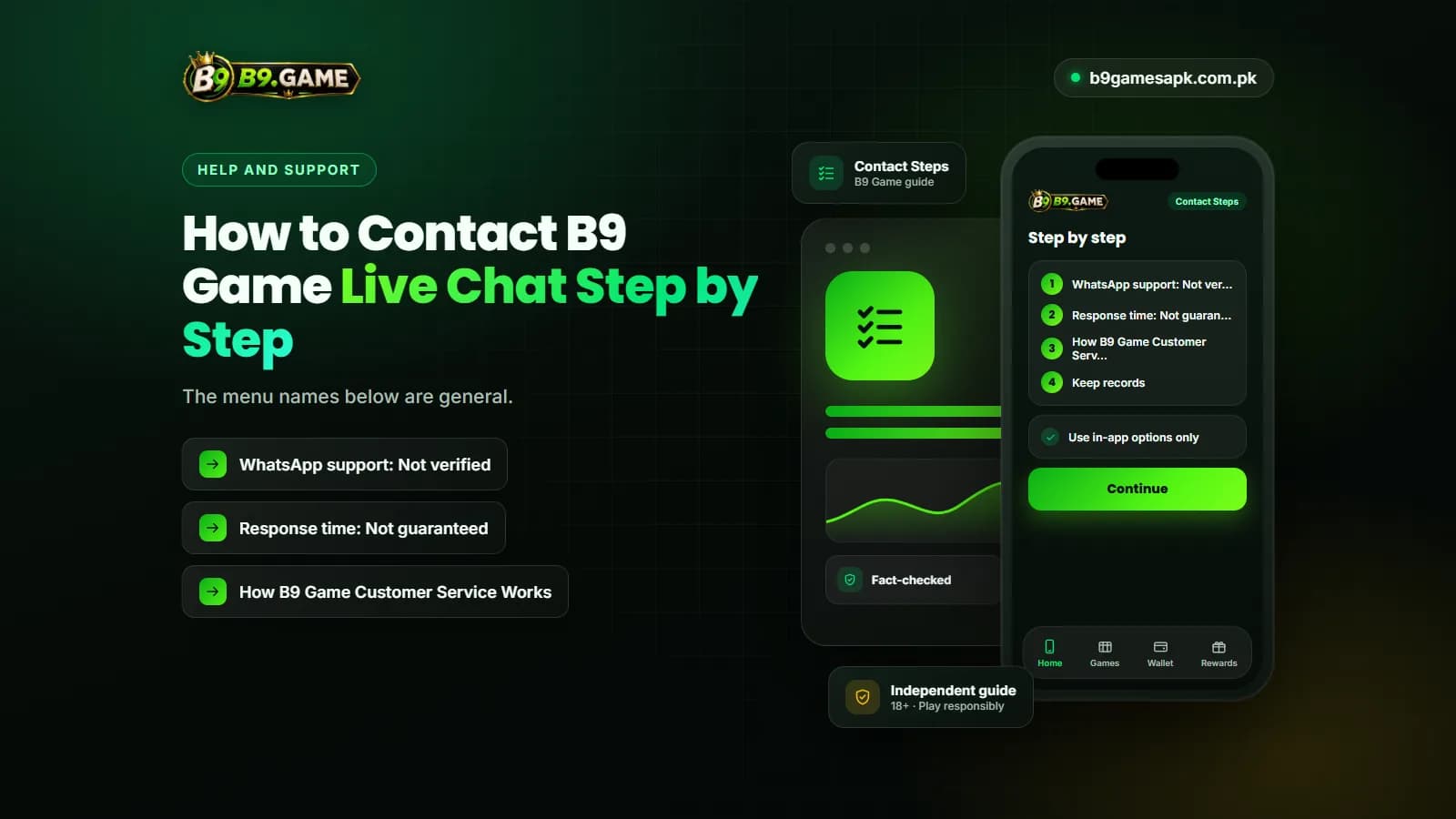
The menu names below are general. The live interface may label items differently, so follow what your own app shows.
- Open the B9 Game app or the website through an address you have saved and checked, not a link sent by a stranger.
- Log in with your registered mobile number and password. If you cannot log in, use the forgotten-password option first; a support button may also appear on the login screen.
- Find the support area. Check the bottom menu, the account or profile page, and any floating chat or headset icon.
- Choose the topic closest to your problem, such as deposit, withdrawal, account or other, if the form offers categories.
- Write one clear message that includes your user ID, the order or request number, the amount, the date and time, and what you expected to happen.
- Attach screenshots of the order, the error message and, for payments, the wallet receipt. Crop out or cover any PIN, full card number or OTP before sending.
- Send the message once and wait. Repeated identical messages can push your case to the back of a queue.
- Save the support reply, the ticket number if one is given and the time of each message.
- If support asks for something unusual, such as an extra deposit, a fee to a personal wallet or your OTP, stop the conversation and treat it as a warning sign.
What to Prepare Before Contacting B9 Game Customer Support
Agents usually solve cases faster when the first message already contains the evidence. The table below shows what to collect for the most common problems and what you should never include.
| Problem | What to include | Never send |
|---|---|---|
| Deposit pending or balance not updated | Deposit order number, wallet transaction ID, amount, date and time, receipt screenshot, recipient shown in the account | Wallet PIN, MPIN, OTP |
| Withdrawal pending or not received | Withdrawal request ID, amount, bound wallet with middle digits hidden, current status screenshot | Wallet PIN, password, OTP |
| Cannot log in or account locked | Registered phone number, error screenshot, device type, approximate time of the last successful login | Your full password |
| OTP not received | Registered number, network operator, number of attempts, time of each request | Any code you later receive |
| Bonus or promotion question | Promotion name, screenshot of the offer page, deposit order linked to it | Payment to a third party for a code |
| Suspicious activity | Time you noticed it, unfamiliar transactions, steps already taken such as a password change | Remote-access or screen-sharing permission |
A Simple Message Template
"Hello, my deposit has not been added to my balance. User ID: [your ID]. Deposit order: [number]. Wallet transaction ID: [ID]. Amount: [amount]. Sent at: [date and time]. Screenshot attached. Please confirm the current status."
Swap the details for a withdrawal, login or bonus issue. Keeping the message short and factual helps an agent find the record quickly.
B9 Game Help Center: Checks to Try Before You Chat
Some problems can be solved without waiting for an agent. Try these checks first, then contact support if the issue remains.
Network Error Messages
Recent crawls of the public platform pages have shown network-error messages, so an error is not always caused by your phone. Test another website, switch between mobile data and Wi-Fi, then wait before changing any account settings.
Login and Password Issues
Confirm you are entering the registered number in the same format used at sign-up, with the +92 country code where the form shows it. Type the password manually instead of relying on an old saved entry. If repeated attempts have locked the account, stop trying and contact support with an error screenshot.
Payments That Have Not Updated
Check your wallet app to see whether the money actually left, refresh the transaction history inside the game account and do not send the same payment again while the first is pending. Our deposit and withdrawal guides explain status meanings in more detail.
Bonus Not Showing
Read the offer conditions. A bonus may require a specific deposit, a minimum amount or a particular game, and it may land in a separate bonus balance rather than the main cash balance.
Fake B9 Game Helpline Numbers and Support Scams
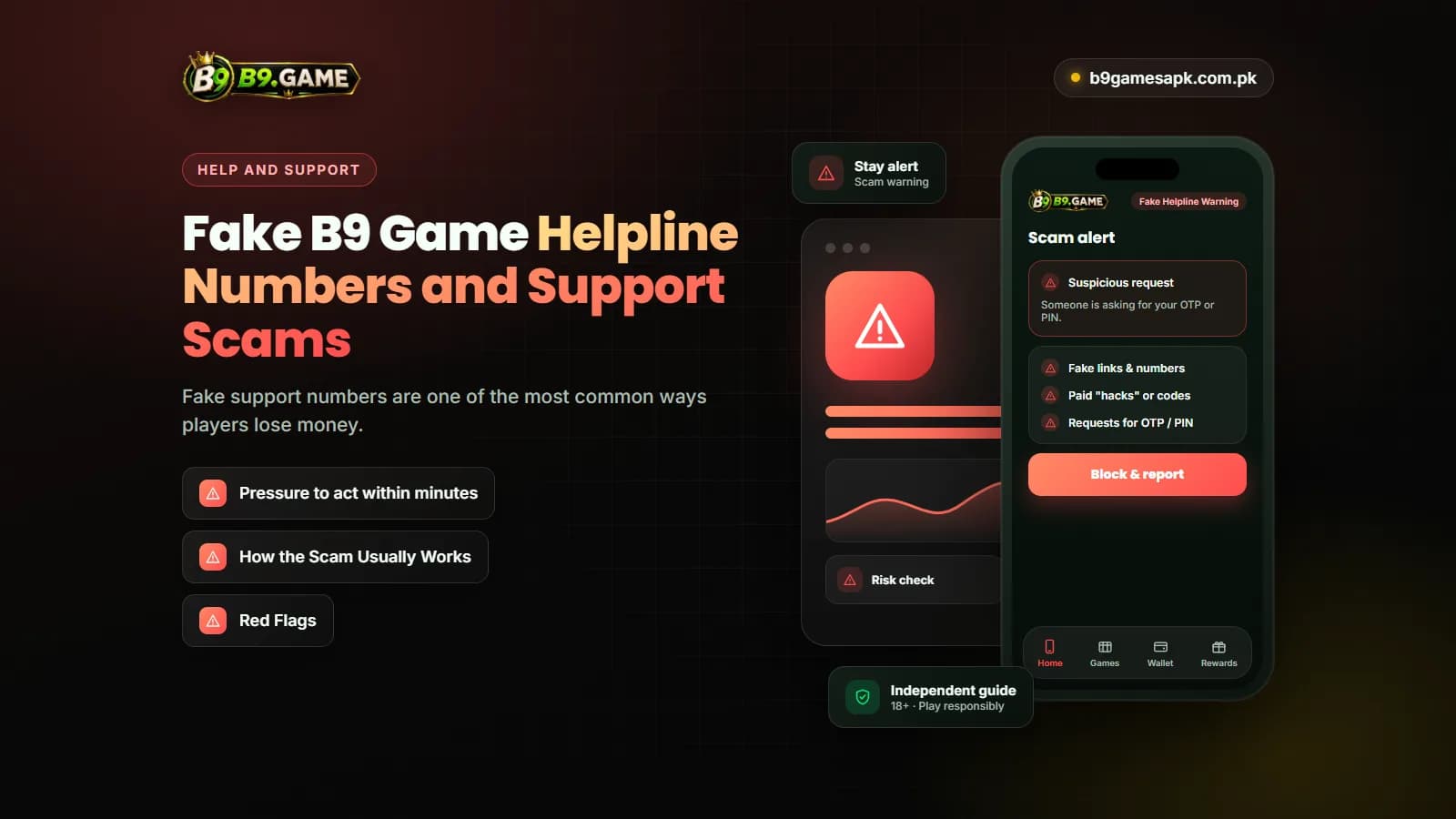
Fake support numbers are one of the most common ways players lose money. The pattern is usually the same: a player with a stuck payment searches for a helpline, finds a number in a comment, a video description or a copied website, and sends a message. The "agent" replies quickly and sounds helpful.
How the Scam Usually Works
- The fake agent asks for your registered number and a screenshot of the pending order.
- They claim the payment is "held" and needs a verification, tax or release fee.
- They ask you to send that fee to a personal JazzCash, EasyPaisa or bank account.
- They may ask for the OTP that arrives on your phone, saying it confirms your identity.
- Once they have the OTP or the fee, they ask for more or stop replying.
Red Flags
- Any request for an OTP, wallet PIN, MPIN or password
- A fee that must be paid to an individual's wallet
- Pressure to act within minutes
- A request to install a screen-sharing or remote-control app
- Offers to double your withdrawal or release a bonus for payment
- Contact that starts from them, not from the app
- Support moved to WhatsApp, Telegram or a personal call
JazzCash states that it will never ask customers for their PIN, OTP or password, and EasyPaisa also warns users never to share a secret OTP or PIN. A genuine gaming support agent has no reason to ask for them either.
If you have already shared a code or sent money, change your game password immediately, contact your wallet provider through the contact options shown in its official app, and report the issue through B9 Game's in-app support.
What to Do When Support Does Not Reply
Response times are not guaranteed and may be slower during maintenance or busy periods. If your message has not been answered:
- Wait through any response window displayed in the chat before sending a follow-up.
- Reply in the same conversation instead of opening several new tickets.
- Keep using the in-app channel; do not switch to a number found online.
- Avoid new deposits until an existing payment issue is resolved.
- For a missing wallet transfer, ask your wallet provider to trace the transaction ID through its official channel.
- Keep a dated record of every message, screenshot and reply.
If a problem cannot be resolved and you are no longer comfortable using the platform, stop depositing. Real-money play should only use money you can afford to lose, and an unresolved dispute is a sign to step back.
What This Website Can and Cannot Do
We publish independent guides about B9 Game. We are not part of the customer service team.
- We cannot see, unlock or restore any account.
- We cannot confirm, speed up or reverse a deposit or withdrawal.
- We do not hold user funds or issue bonuses.
- We will never contact you on WhatsApp asking for codes or payments.
- We can explain processes, warning signs and the information support will usually need.
Anyone claiming to represent this website and asking for money or verification codes is not acting for us.
Frequently Asked Questions
What is the B9 Game helpline number?
No public helpline number has been verified for this guide, so we do not publish one. Use the support or live-chat option inside your logged-in account. If the app itself lists another contact method in its support area, treat that as the only trustworthy source.
How do I contact B9 Game customer service?
Log in through a verified address, open the support, customer service or live-chat option in the app menu or account page, and send one message with your user ID, order number, amount, time and a screenshot.
Does B9 Game have live chat?
Support on the platform is reached through an in-account support option that usually works as a chat. Its exact name, hours and whether an agent or bot answers first must be confirmed inside the app.
Is there a B9 Game WhatsApp customer support number?
A WhatsApp support number has not been verified for this guide. Treat numbers shared in groups, comments or videos as unofficial, and never send them an OTP, PIN or payment.
Can B9 Game customer support ask for my OTP or PIN?
No. Support can locate your case with a user ID and order number. Anyone asking for an OTP, wallet PIN or password should be treated as a scammer.
How long does B9 Game customer support take to reply?
No fixed response time can be guaranteed. It may depend on queue length, maintenance and the type of issue. Reply in the same conversation rather than opening several new tickets.
Where is the B9 Game help center?
Help content and the support button are inside the app and logged-in website. Before chatting, try basic checks such as testing your connection, confirming your login number format and checking your wallet history.
B9 Game customer service should be reached through the support or live-chat option inside your own account. That route is linked to your records and keeps your credentials private.
No public helpline number has been verified, so be wary of any number found online. Prepare your order details before you chat, never share an OTP or PIN, and never pay a fee to a personal wallet to get help.