
Updated
B9 Game online play means using the platform over the internet, either in a web browser or through the Android APK, with every game, balance and transaction tied to one account. There is no offline mode for real-money games: results, wallet updates and promotions all depend on a live connection to the platform's servers.
This independent guide covers what the B9 Game platform offers online, the practical differences between playing in a browser and in the app, the exact steps from opening the site to your first game, and the issues that most often interrupt online sessions. It also explains, plainly, the financial side: online games here use real money and can be lost.
This site does not operate B9 Game and cannot see your account. Real-money play is for adults aged 18 and over.
Quick Answer
How do you play B9 Game online?
To play B9 Game online, open the platform in a browser or a checked Android APK, register with a +92 mobile number and password, explore the lobby and wallet, set a budget, then deposit only through your logged-in cashier. Both routes use one account, there is no offline real-money mode, and money can be lost.
| Item | Detail |
|---|---|
| Ways to play | Web browser or Android APK |
| Game sections | Slots, live casino, poker, fishing and sports |
| Offline play | Not available for real-money games |
| Licence verification | Not independently verified for this guide |
| Last checked | 14 October 2026 |
Key Takeaways
- B9 Game online play uses one account, so the browser and the Android APK reach the same wallet and balance.
- Game results are produced on the platform side, so no predictor, script or app on your phone can change them.
- The browser is the simplest, lowest-risk way to start, and it also works on iPhone and PC.
- Set a session budget and time limit before playing, and never top up mid-session to win back a loss.
- If a round freezes, do not refresh repeatedly; reopen the platform and check the round in your history.
B9 Game Online: Key Facts
| Platform type | Online real-money gaming platform |
|---|---|
| Ways to play | Web browser or Android APK |
| Account needed | Yes, for games, wallet and promotions |
| Registration | +92 mobile number and password; invitation code shown as optional |
| Game sections | Slots, live casino, poker, fishing and sports |
| Promotion areas | Check-in, lucky spin and invite sections shown on the public homepage |
| Offline play | Not available for real-money games |
| Payment methods | Must be confirmed inside the account cashier |
| Licence verification | Not independently verified for this guide |
| Guaranteed winnings | No |
| Age requirement | 18+ |
How the B9 Game Platform Works Online
The B9 Game platform is a single online account system. When you register, you get one wallet and one transaction history. Whether you then open the platform in Chrome on your phone, in a desktop browser or inside the installed APK, you are reaching the same account and the same balance.
Every time you play, three things happen online:
- Your device sends your choice, such as a spin, a card action or a sports selection, to the platform
- The game result is produced on the platform's side, not on your phone
- Your wallet balance is updated and the round is added to your history
This is why a stable connection matters and why no app, script or predictor on your phone can change a result. Anyone selling a tool that claims to control outcomes in a b9 online game is selling a scam, and the download may also contain malware.
It is also worth knowing what cannot be confirmed from outside. Operator identity, licence details and independent fairness testing have not been verified for this guide. Treat claims about guaranteed fairness or guaranteed payouts on any website as marketing until evidence is published.
B9 Game Online Play: Browser or APK?
Both routes lead to the same account, so the choice is about convenience and risk on your device. Many users search for the b9 online game apk, but the browser is often the simpler starting point.
| Factor | Browser | Android APK |
|---|---|---|
| Setup | Open the site and log in | Download, scan and install a file |
| Works on iPhone | Yes, through a browser | No, APK is Android-only |
| Works on PC | Yes, through a desktop browser | Only with an Android emulator |
| Updates | Automatic when the site changes | May need a manual reinstall |
| Device permissions | Controlled by the browser | Must be reviewed during installation |
| Risk of fake versions | Fake websites exist | Fake and modified APKs are common |
| Storage use | Minimal | Takes space for the app and its data |
If you choose the APK, download it only from a source you have checked, scan it and switch off unknown-app installation afterwards. The download and app guides on this site cover those steps in detail.
Game Sections on B9 Game Online
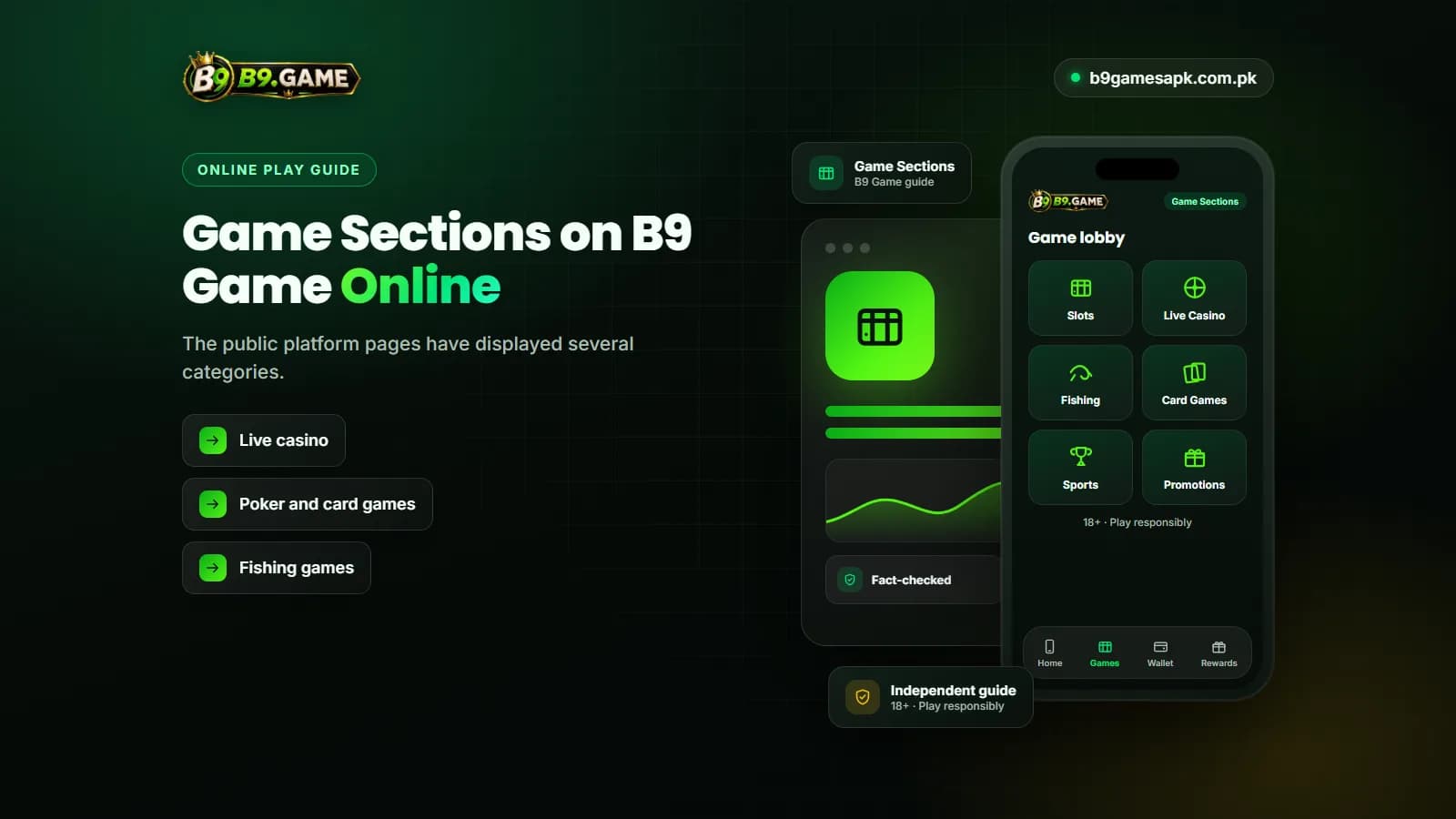
The public platform pages have displayed several categories. Each works differently, and each carries the same basic risk of losing the amount you stake.
| Section | What it involves | Point to understand |
|---|---|---|
| Slots | Spin-based games with random outcomes | Results are random; no pattern or timing improves them |
| Live casino | Table games streamed with a presenter | Needs a strong connection; a dropped stream does not cancel a placed bet automatically |
| Poker and card games | Card games with rounds and decisions | Decisions matter, but no method guarantees winning |
| Fishing games | Arcade-style shooting games using balance | Each shot can use balance quickly |
| Sports | Selections on sports events | Knowledge of a sport does not remove risk |
| Short-result games | Rounds that finish within seconds or minutes | Fast rounds can drain a budget quickly |
The exact library changes. Titles may be added, removed or paused for maintenance, so check the lobby after logging in rather than trusting a list from any outside website.
How to Start B9 Game Play Online
These steps take you from no account to an informed first session. Notice that depositing comes late, after you understand the account.
- Open the platform in a browser or a checked APK, and read the full web address before typing anything.
- Choose Register, confirm the +92 country code and enter a mobile number you own.
- Create a unique password that you do not use on any other site.
- Leave the invitation code empty unless it comes from someone you know; the field is currently shown as optional.
- Open and read the privacy agreement before accepting it.
- Enter any verification code only inside the platform form, never in a chat.
- Explore the lobby, wallet, promotions and support area before adding money.
- Decide your session budget and time limit and write them down.
- If you deposit, use only the payment details generated inside your logged-in cashier and save the receipt.
- Read the rules screen of a game before placing your first stake.
What You Need for Smooth Online Play
- A stable mobile data or Wi-Fi connection, especially for live casino
- An up-to-date browser such as Chrome, or a current, checked APK
- Enough free storage and memory for the browser or app
- Your own active SIM for verification and password recovery
- A private device, not a shared or public phone
- A battery that will not die in the middle of a round
Avoid public Wi-Fi in cafes or hostels for logging in and payments. If you must use one, do not change passwords or payment details on it.
Online Game B9 Connection Problems
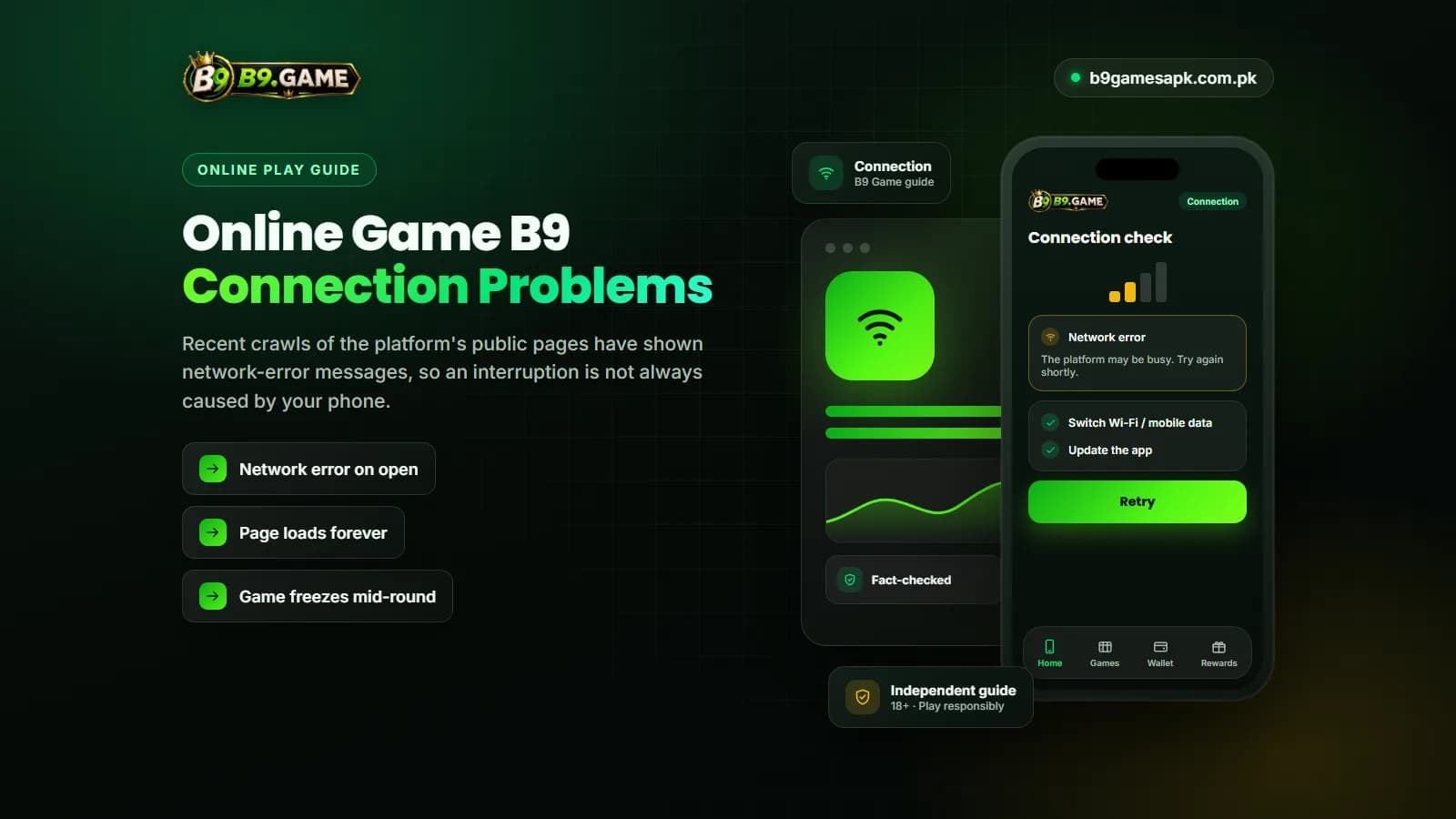
Recent crawls of the platform's public pages have shown network-error messages, so an interruption is not always caused by your phone. Work through the checks below before changing account settings.
| Symptom | Possible cause | What to do |
|---|---|---|
| Network error on open | Platform maintenance or server issue | Open another website to test your connection, then wait and retry |
| Page loads forever | Weak signal or blocked content | Switch between Wi-Fi and mobile data, clear browser cache |
| Game freezes mid-round | Connection drop | Do not refresh repeatedly; reopen and check the round in history |
| Balance looks wrong after a drop | Round still settling or pending transaction | Check transaction history before contacting support |
| Logged out repeatedly | Cookies cleared or session expired | Log in again on a verified address; reset password only if needed |
| Live stream lags | Low bandwidth | Close other apps and avoid live tables on weak signal |
If a round result or balance stays unclear, save a screenshot with the date and time and contact support through the account. Do not deposit again to test whether the balance updates.
Setting Limits Before B9 Game Online Play
Online games run quickly and the balance is just a number on the screen, which makes it easy to spend more than planned. A simple routine helps:
- Pick a monthly entertainment amount you could lose completely without affecting essentials.
- Split it into smaller session amounts.
- Set a phone timer for each session.
- Stop when the session amount or time is used up, whether you are ahead or behind.
- Never top up mid-session to win back a loss.
Promotions can make a balance look larger than the money you can withdraw. Bonus funds may carry turnover requirements, eligible-game limits, expiry dates and withdrawal restrictions, so read the conditions inside the account before accepting an offer.
B9 Game Online Safety Warning
Online play combines account security and financial risk. Keep these rules fixed:
- Never share your OTP, password or wallet PIN with anyone
- Use only the support option inside the account; ignore numbers posted in comments or groups
- Predictors, hacks and mod versions cannot change results and are scams or malware
- Do not send money to a payment number received in a private message
- Do not pay any unlock fee or verification deposit to a private contact
- Do not play with borrowed money or money needed for essentials
- Stop if play causes stress, secrecy, borrowing or lost sleep
- Real-money play is for adults aged 18 and over
Online games on the platform can end in loss. Treat any money you use as the cost of entertainment, not as an investment.
Frequently Asked Questions
Can I play B9 Game online without downloading anything?
Yes, the platform can be opened in a mobile or desktop browser. The APK is optional and uses the same account.
Is the b9 online game apk different from the website?
It should connect to the same account and wallet. Fake APKs exist, though, so check the source before installing.
What games are on the B9 Game platform?
The public pages have shown slots, live casino, poker, fishing and sports sections. The exact titles change, so check the lobby after logging in.
Can I play B9 Game online on iPhone or PC?
Browser access is the usual route on both. A native iPhone or Windows app has not been independently verified.
Why does B9 Game online show a network error?
It can be platform maintenance, a server issue or an unstable connection. Test another website first, then wait before retrying.
Can a predictor help with b9 game play?
No. Results are produced on the platform side. Predictor tools are scams and may contain malware.
Is online play on B9 Game free?
Opening the site and registering are separate from depositing. Real-money games use your balance, which can be lost.
B9 Game online play works through one account that you can reach in a browser or through the Android APK. The browser is the simplest and lowest-risk way to start, while the app adds convenience once you have checked its source.
Whichever route you use, verify the address, keep codes private, use in-app support, and set a spending and time limit before every session. Online real-money games can be lost, so play only with money you can afford to lose.