
Published
Quick Answer
How can I recognise the B9 Game logo design?
The B9 Game logo design shown in this guide pairs a round gold-rimmed badge with a crown and large "B9" letters beside a black and gold banner reading "B9.GAME", with "B9." in lime green. The logo is easy to copy, so it can help identify the app but never proves a website or APK is genuine.
| Item | Detail |
|---|---|
| Main colours | Black, gold, lime green and off-white |
| Wordmark | B9.GAME |
| Official brand kit or colour codes | Not verified |
| Logo PNG download | Not offered by this guide |
| Last checked | 14 October 2026 |
Key Takeaways
- The B9 Game logo combines a gold-crowned "B9" badge with a black and gold "B9.GAME" banner in lime green and off-white.
- A correct-looking logo only shows that someone copied the image; it never proves an app, website or group is genuine.
- Launcher icons are small and may show only the "B9" badge, but a sudden icon change after an unexpected update is a warning.
- Logo PNG download sites can push ad redirects or disguised files, such as a name ending in .png.apk.
- Reusing the logo in your own app, group or adverts can mislead others and raise trademark concerns.
People search for a B9 Game logo design PNG for different reasons. Some want to check whether the icon on their phone is the right one. Some want an image for a thumbnail, a group picture or a promotional post. Others are trying to work out whether a website that shows the logo is genuine.
This guide covers all three, with one important message running through it: a logo is the easiest part of any brand to copy. It can help you recognise an app, but it can never prove that an app, website or WhatsApp group is real.
B9 Game Logo Design PNG: What the Logo Looks Like
The version of the B9 Game logo shown in this guide's header and footer is a wide, horizontal design made of two parts.
- On the left, a round badge with a gold rim and a gold crown sitting on top. Inside it, large stylised "B9" letters in a cream or off-white tone with green highlights and a bright green glow around the badge.
- On the right, a dark, almost black banner with a gold border and pointed ends. It carries the wordmark "B9.GAME", with "B9." in bright lime green and "GAME" in cream or off-white letters.
- A small gold crown sits at the bottom centre of the banner, with thin green accent lines on either side.
The overall style is a black, gold and lime-green casino look. This guide does not list exact colour codes, because the logo has not been published by the operator as an official brand kit and exact shades can shift when images are compressed or recoloured.
Keep in mind that a phone launcher icon is small and square or round, so the installed app icon may show only part of this design, such as the "B9" badge, rather than the full wide banner. The icon you see after installing can therefore differ from the logo on a website.
Why the B9 Game Logo Does Not Prove Anything
A PNG of any logo can be saved from a web page in seconds. That is exactly why clone apps, fake download sites and unofficial Facebook B9 Game pages use it. Seeing the right crown, colours and letters tells you only that someone copied the image.
| What you see | What it really means | What to check instead |
|---|---|---|
| Correct-looking logo on a website | The image was copied or downloaded | The full domain spelling and where the download button leads |
| Logo as a WhatsApp or Facebook profile picture | Anyone can upload it | Whether the platform itself links to that group from inside your account |
| Familiar icon on an APK file | Icons are set by whoever builds the file | App name, package conflict warnings and requested permissions at install |
| Logo on a payment screenshot | Screenshots can be edited | Recipient details shown inside your own logged-in cashier |
| Slightly different logo or colours | May be an older design or a clone | Compare with your installed app and treat sudden icon changes as a warning |
How to Spot the Genuine App Icon vs Clones
Use the logo as one clue among several. These steps help you decide whether the app on your phone is the one you meant to install.
- Open Settings > Apps and find the B9 Game app. Check that the name shown matches what you expected and is not a random or misspelled name.
- Look at the icon on your home screen. Note its shape and main colours so you can compare them after any update.
- If you have two similar icons, open App info for each one. Two apps with the same logo but different names or sizes means at least one is not what it claims.
- When installing an update, watch for a package conflict or signature warning. A file that cannot install over your current app may come from a different publisher, even if the logo is identical.
- Review the permissions on the App info screen. A clone may ask for SMS, contacts, accessibility or device-administrator access.
- Check the domain in your browser whenever you log in through the website. A perfect logo on a misspelled domain is a classic phishing sign.
- If the icon suddenly changes after an update you did not request, stop using the app for payments and verify the source.
Risks of Downloading a "B9 Game Logo PNG"
Malware Disguised as an Image
Many "free logo PNG download" sites push extra files, ad redirects or browser notification prompts. On Android, a download button may save an APK or ZIP file instead of an image. A genuine image file should end in .png, .jpg or .webp. Never open a file named something like "b9-logo.png.apk".
Trademark and Ownership Issues
A brand's logo generally belongs to the brand owner. Reusing it in your own app, website design, merchandise or paid advertising can create legal problems and can mislead people into thinking you represent the platform. This guide shows the logo only to help readers identify the app it writes about.
Helping Scammers Without Meaning To
Group admins and fake agents rely on the logo to look official. Using it as your profile picture or on a promotional post can make others believe you are a B9 Game representative, and you may be blamed if someone is scammed in your name.
Acceptable Ways to Use the B9 Game Logo Design
- Recognising the app on your own phone.
- Comparing an installed icon with a screenshot to check for clones.
- Referring to the platform in an honest review or news article, with a clear statement that you are not the operator.
- Reporting a fake website or app to a security service or the platform's in-app support.
Avoid editing the logo into fake screenshots, adding it to your own APK, or using it in posts that promise earnings. Real-money play can result in losses and is for adults aged 18 and over only.
Conclusion
The B9 Game logo design, with its gold crown, black banner and lime-green "B9", is easy to recognise and just as easy to copy. Use it to identify the app, not to trust it. Check the domain, the app name, update warnings and permissions every time, and avoid logo PNG download sites that may hide unwanted files.
Frequently Asked Questions
What does the B9 Game logo look like?
The version used in this guide combines a round gold-rimmed badge with a crown and large "B9" letters, next to a black and gold banner reading "B9.GAME", with "B9." in lime green and "GAME" in off-white.
Where can I get a B9 Game logo design PNG?
This guide does not offer a download. Logo rights generally belong to the brand owner, and many logo PNG sites carry ads, redirects or disguised files.
Does the correct logo mean a website is genuine?
No. Logos are easy to copy. Check the full domain, where the download leads and whether payment details are generated inside your own account.
Why does my B9 Game app icon look different from the website logo?
Launcher icons are small and may show only part of the design. A sudden change after an unexpected update, however, should be treated as a warning.
Can I use the B9 Game logo for my WhatsApp group?
It is not recommended. It can make people think you represent the platform and may raise trademark and scam concerns.
What are the exact B9 Game logo colours?
No official brand kit has been verified, so this guide does not list exact colour codes. The visible palette is black, gold, lime green and off-white.
Related B9Game Guides
More B9 Game Guides
Published
B9 Game WhatsApp Group Link: Scam Warning and Safety Guide
B9 Game WhatsApp groups and Facebook pages promise tips, bonuses and fast withdrawals. Here is why they are unofficial, the scams they commonly run and how to protect your account.
Published
B9 Game Install APK: Step-by-Step Android Guide
Downloaded the file but stuck at installation? This B9 Game install APK guide covers unknown-app settings for each Android version, Play Protect warnings, permissions and fixes for common errors.
Published · Updated
How to Identify a Fake B9 Game Website or APK
A fake B9Game website can copy the name, logo and download buttons. Learn how to verify the domain, APK and payment details before you share any information.
Published
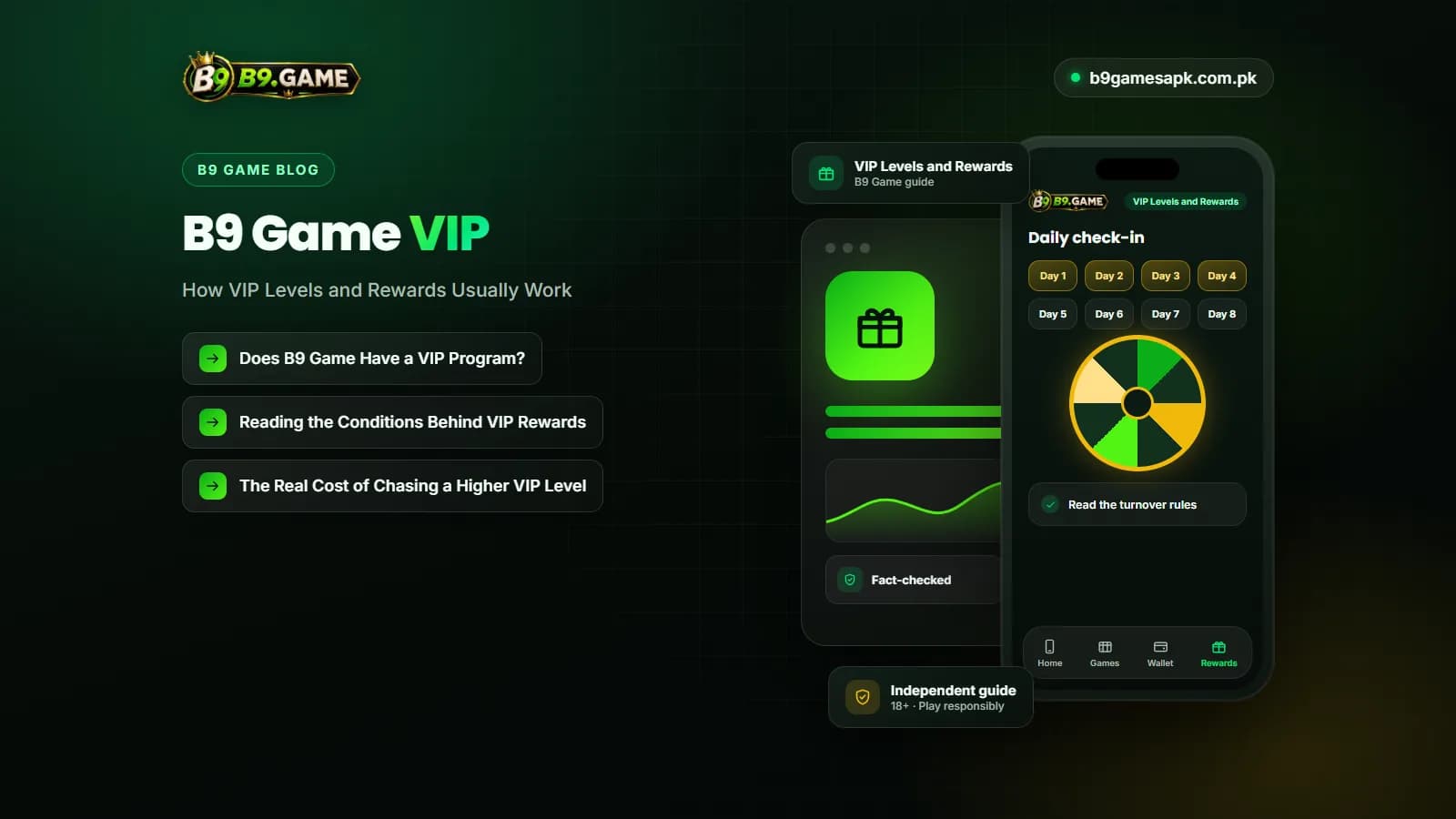
B9 Game VIP: How VIP Levels and Rewards Usually Work
Seen a VIP badge or level bar and wondering what it means? Learn how VIP levels and rewards usually work on real-money platforms, where to confirm the real B9 Game rules in your account, and why chasing a higher level is a costly habit.