
Published
Quick Answer
How do I fix B9 Game when it stops working on my phone?
To fix B9 Game when it is not working, first test whether the fault is your connection, the app installation or the platform. Switch between Wi-Fi and mobile data, turn off VPN and data saver, force stop the app and clear its cache, update Android System WebView, and reinstall a verified file only if needed.
| Item | Detail |
|---|---|
| First check | Open another website, then the B9 Game website in a browser |
| Network error causes | Weak signal, VPN, data saver, wrong date and time or outage |
| Clear cache | Does not normally remove your account |
| During an outage | Do not repeat deposits or withdrawal requests |
| Last checked | 14 October 2026 |
Key Takeaways
- If both the B9 Game app and website fail on different networks while other sites work, the platform may be down or under maintenance.
- Clearing the app cache removes temporary files only, while Clear data signs you out, so keep your login details ready.
- Updating Android System WebView and Chrome can fix crashes, because many web-based apps rely on them to display content.
- Do not uninstall the app until you know you can log in again, and never install random or modded versions as a fix.
- During an outage, avoid new deposits, repeated withdrawals and changes to your password, phone number or wallet details.
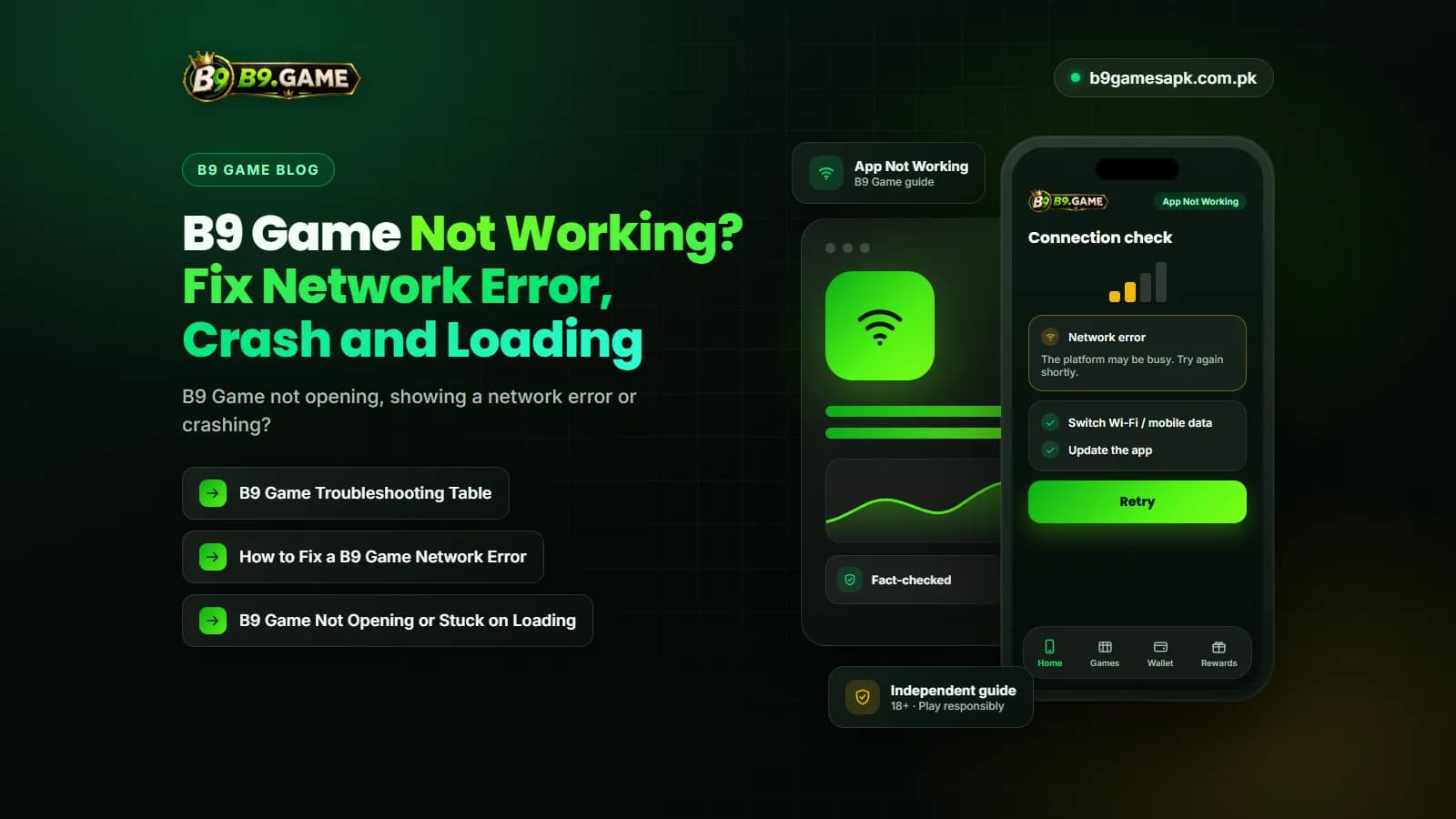
B9 Game not working is one of the most common problems players report: the app will not open, a network error appears, the screen freezes on loading, or the app closes by itself a few seconds after launch.
Before reinstalling anything, work out where the problem is. It may be your phone, your internet connection, an outdated APK or the platform itself. Recent crawls of public B9 Game pages have shown network-error messages, so an error does not always mean something is wrong with your device. This guide walks through a quick diagnosis, a troubleshooting table and safe fixes for each symptom.
Quick Diagnosis: Is It Your Phone or B9 Game?
Spend two minutes on these checks before changing any settings:
- Open another website or app that needs the internet. If it also fails, the problem is your connection.
- Switch between Wi-Fi and mobile data and try B9 Game again.
- Open the verified B9 Game website in a browser. If the website works but the app does not, the problem is likely the app installation.
- If both the app and the website show the same error, the platform may be under maintenance or temporarily unavailable.
- Restart the phone and try once more before moving to the fixes below.
B9 Game Troubleshooting Table
| Symptom | Likely cause | What to try first |
|---|---|---|
| Network error on launch | Weak connection, VPN or data saver, or platform outage | Test another site, switch networks, turn off VPN and data saver |
| App not opening or stuck on the splash screen | Corrupted cache, low storage or an outdated APK | Force stop, clear cache, free storage |
| App crashes right after opening | Incompatible or damaged installation, outdated system components | Update Android System WebView and Chrome, then reinstall a verified file |
| Login button does nothing or shows an error | Server delay, wrong number format or too many attempts | Wait, then try once in the browser |
| Lobby opens but games do not load | Slow connection or a single game under maintenance | Try a different game, then a stronger connection |
| Wallet or payment page is blank | Session expired or payment service delay | Log out and back in; do not repeat payments |
| Update required notice | The installed version is no longer supported | Update from the same verified source |
| Works on Wi-Fi but not on mobile data | Network-level blocking or poor signal | Restart mobile data or try another network |
| Error on both app and website for everyone | Server down or maintenance | Wait and avoid changing account or payment settings |
How to Fix a B9 Game Network Error
A B9 Game network error means the app could not reach the server or did not get a valid response. Common causes include:
- Weak Wi-Fi or mobile signal
- A VPN, proxy or ad-blocking app interfering with the connection
- Data saver or background data restrictions
- A custom Private DNS setting
- Incorrect date and time on the phone
- Platform maintenance or a temporary outage
Turn airplane mode on and off, switch off any VPN or ad blocker, and allow background data for the app. Make sure the date and time are set automatically, because a wrong clock can break secure connections. If the error continues on several networks and in the browser, the issue is likely on the platform side, so waiting is better than reinstalling.
B9 Game Not Opening or Stuck on Loading
When the app shows only a logo or a blank screen, the installation itself is usually the cause. Check the following:
- Free storage space on the phone
- Battery optimisation or power-saving mode blocking the app
- Cached files that have become corrupted
- Too many apps running in the background
- An outdated APK that no longer connects to the current server
Open Settings, then Apps, find B9 Game and choose Force stop. Then open Storage and choose Clear cache. Clearing the cache does not normally remove your account, because your account lives on the platform rather than on the phone. Avoid Clear data unless you have your phone number and password ready, since it signs you out.
How to Fix a B9 Game App Crash
If the app opens and then closes on its own, follow these steps in order and test after each one:
- Force stop the app and reopen it.
- Clear the app cache from the app's storage settings.
- Restart the phone to free memory.
- Free at least some storage space by deleting unused files.
- Update Android System WebView and Google Chrome from the Play Store, because many web-based apps rely on them to display content.
- Install any pending Android system update.
- Save your login details, then reinstall the app using a verified file from the same source you used before.
Do not uninstall the existing app until you know you can log in again, for example through the browser. Do not keep installing random versions from different websites. A file signed by a different publisher can show a package conflict error, and modified versions can contain malware. The APK update guide linked below explains how to update safely.
Is the B9 Game Server Down?
When the app and the website both fail on different networks, the platform may be down or under maintenance. During an outage:
- Do not send a new deposit, even if a payment page loads
- Do not submit repeated withdrawal requests
- Do not change your password, phone number or wallet details
- Check your balance and transaction history once service returns
- Look for maintenance notices inside the app when it reopens
If a payment was made during an outage and the balance has not updated, keep the receipt and follow the deposit balance guide linked below.
B9 Game Not Working? Mistakes That Make It Worse
Frustration leads many players into unsafe fixes. Avoid:
- Installing a mod or hacked APK that claims to fix errors
- Paying someone on WhatsApp or Telegram to repair your account
- Sharing your OTP, password or wallet PIN with a so-called technician
- Allowing remote access to your phone
- Creating a second account because the first one will not open
When to Contact B9 Game Support
If the problem lasts after these checks, contact support through the app or verified website. Include:
- Registered phone number with some digits hidden
- A screenshot of the error message
- Date and time the problem started
- Phone model and Android version
- Whether the app, the website or both are affected
- Any transaction reference if money was involved
Conclusion
When B9 Game is not working, first test whether the problem is your connection, your installation or the platform. Most network errors and crashes are solved by switching networks, clearing the cache, updating system components or reinstalling a verified file.
If the platform itself is down, wait rather than repeating payments or changing account details, and never pay or share codes with anyone promising a quick fix.
Frequently Asked Questions
Why is B9 Game not working today?
The cause may be your connection, an outdated or damaged installation, or a platform outage. Test another website and the B9 Game website in a browser to narrow it down.
What does a B9 Game network error mean?
The app could not reach the server or got no valid reply. Check your signal, turn off VPN and data saver, correct the phone's date and time, and wait if the platform is down.
Why is B9 Game not opening on my phone?
Low storage, corrupted cache, battery restrictions or an outdated APK can stop the app from opening. Force stop it, clear the cache and free some storage.
Will clearing the cache delete my B9 Game account?
No. Clearing the cache removes temporary files on the phone. Your account is held by the platform. Clearing app data signs you out, so keep your login details ready.
How do I know if the B9 Game server is down?
If the app and the website both fail on different networks while other websites work, the platform may be down or under maintenance.
Should I download an older version if the new one crashes?
Old versions may fail to connect or carry security risks. Update system components and reinstall a verified current file instead of random older APKs.
Can a modded APK fix B9 Game errors?
No. Modded or hacked APKs are a common source of malware and account theft. Use only a verified file.
Related B9Game Guides
More B9 Game Guides
Published
B9 Game APK 2026 Free Download: How to Check the Latest Version
Every site claims to host the newest B9 Game APK for 2026. Learn how to check which version you really have, how updates normally arrive and how to update safely.
Published · Updated
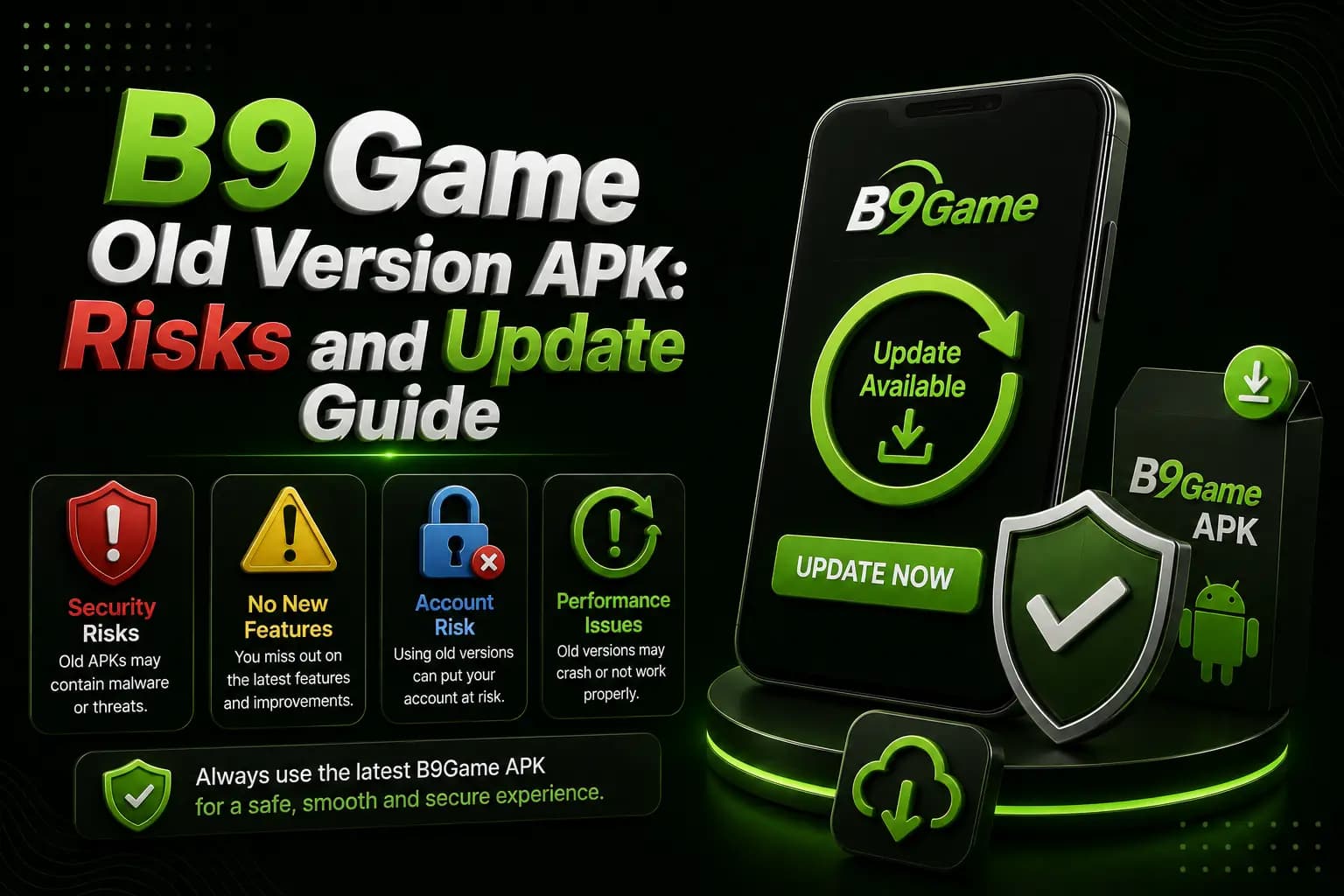
B9 Game Old Version APK: Risks and Update Guide
An old B9Game APK might seem like a fix for installation problems, but it can create new login, payment and security issues. Here is a safer way to update.
Published · Updated
B9 Game Deposit Successful but Balance Not Updated
A B9Game deposit can show successful in your wallet while the game balance stays at zero or pending. Learn how to check the status and resolve it correctly.
Published
B9 Game VIP: How VIP Levels and Rewards Usually Work
Seen a VIP badge or level bar and wondering what it means? Learn how VIP levels and rewards usually work on real-money platforms, where to confirm the real B9 Game rules in your account, and why chasing a higher level is a costly habit.