
Published
Quick Answer
How do I know if my B9 Game APK is the latest 2026 version?
To check the latest B9 Game APK 2026 version, open Settings > Apps > B9 Game on your Android phone and read the version on the App info screen, then compare it with any update notice inside your logged-in account. Third-party pages publish conflicting numbers, so this guide does not state one.
| Item | Detail |
|---|---|
| Latest version number | Not verified; third-party pages conflict |
| Where to check | Android Settings > Apps > App info |
| Update channel | In-app notice or original verified source |
| File size | Not independently verified |
| Paying to unlock a download | Never; an APK download should not require payment |
| Last updated |
Key Takeaways
- Any page can label a file "2026" or "new version", so trust the version Android shows over a website's claim.
- A B9 Game APK installed from a website does not update through Google Play; updates appear as in-app notices or forced updates.
- Screenshot your balance and wait for pending payments to finish before installing a new version over the existing app.
- A package conflict warning during an update means the new file may come from a different publisher, so stop.
- An update can fix bugs or change the layout, but it never changes the odds or guarantees earnings.
A B9 Game APK 2026 free download search usually comes from one question: "Is the file I have the newest one?" Dozens of pages answer with a confident version number, a file size and a big green button. Very few explain how you can confirm that claim yourself.
This guide does not publish a version number. Third-party pages already disagree with each other, and copying one more unverified number would not help you. Instead, it shows how to read the version on your own phone, how updates normally reach an APK that was installed outside Google Play, and how to replace the app without risking your account or balance.
If you are thinking about going back to an older file, read the separate B9 Game old-version guide instead. If you are not sure whether a download site is genuine, start with the fake-website guide. This article focuses only on moving forward to a current, verified file.
B9 Game APK 2026 Free Download: Why "Latest" Labels Cannot Be Trusted
Adding "2026" or "new version" to a file name costs nothing. A download page can rename an old file, a modified file or an unrelated app and still rank for a B9 Game APK 2026 search. The label tells you what the page wants you to believe, not what the file contains.
Our download guide already records that several third-party sites list different version numbers, file sizes and minimum Android requirements at the same time. They cannot all describe the same current file. That is the main reason to trust what your device reports over what a web page claims.
| Claim on a download page | What it really proves | Better check |
|---|---|---|
| "B9 Game APK 2026 latest" | Nothing; anyone can type a year | Version shown in Android app info after install |
| "New version, updated today" | Only that the page was edited | An update notice displayed inside your logged-in account |
| A specific file size | Not independently verified | Size of the file your browser actually saved |
| "100% safe, virus free" | A marketing line, not a scan result | Your own scan plus Play Protect at install |
| Same logo as the real app | Logos are easy to copy | App name, package and signature match your installed copy |
How to See Which B9 Game Version You Have
Before looking for a B9 Game update, write down what is already on your phone. You will need it later to compare files and to describe problems to in-app support.
- Open Settings on your Android phone.
- Tap Apps (on some phones: Apps and notifications, or Application manager).
- Find the B9 Game app in the list and tap it.
- Scroll down to the bottom of the App info screen, where Android normally shows the version.
- Take a screenshot of that screen, including storage use and permissions.
- Open the app itself and check whether a settings, about or profile area also displays a version; note any difference.
Menu names vary by manufacturer. On some Samsung, Xiaomi, Oppo, Vivo and Infinix phones the version line may be under an "Advanced" or "App details" option instead of the main screen.
How a B9 Game Update Normally Arrives
Apps from Google Play update through the Play Store. A B9 Game APK installed from a website does not have that automatic channel, so updates usually appear in one of these ways.
In-App Update Notice
The app may show a pop-up or banner saying a new version is required or recommended. This is the most useful signal because it comes from the platform you already use. Still check where the update button leads before you tap it, and make sure the download opens on a domain you have already verified.
Forced Update at Login
Sometimes the app stops at a login or loading screen until a newer B9 Game new version is installed. When this happens, do not start trying random files from search results. Use the same verified source you installed from originally.
Messages From Strangers Are Not Update Notices
A WhatsApp forward, Telegram post, Facebook comment or SMS that says "download the new B9 Game APK here" is not an official update channel. Treat it as unverified, even if it shows the logo and screenshots.
Safe Steps to Install the B9 Game APK New Version
Follow these steps in order. They are designed so that you can always get back into your account if something goes wrong.
- Confirm you can log in: you should know your registered +92 mobile number and password, and have access to that SIM for any verification code.
- Screenshot your balance, any pending deposit or withdrawal, and recent transaction history.
- Do not update in the middle of a pending payment; wait until it is completed or rejected.
- Record the current version from Android App info as shown above.
- Open the update notice or your original verified source and download the new APK. Do not use a link someone sent you.
- Check that the saved file ends in .apk and is not a ZIP, EXE or a file with a strange double extension.
- Scan the file with a reputable mobile security app before opening it.
- Tap the file and choose Update or Install. When the package and signature match, Android installs over the old app and keeps its data.
- Read every prompt. If Android says the package conflicts with an existing package, stop: the new file may come from a different publisher.
- Open the app, log in and confirm your balance and history match your screenshots.
- Turn off the temporary "Install unknown apps" permission for your browser or file manager.
Never uninstall the old app first just because a page tells you to. If the new file turns out to be fake or incompatible, you will have removed the only copy you knew was working.
Signs the "New Version" Is Not Genuine
- The app name or icon changes after installation.
- Android warns about a signature or package conflict with your existing app.
- The file asks for SMS, contacts, accessibility or device-administrator access that the old version did not need.
- Play Protect shows a harmful-app warning.
- The update promises a bonus, free balance, unlimited money or a winning predictor.
- You are asked to pay to unlock the download.
- The installer adds a second app you did not request.
If any of these appear, cancel the installation, delete the file and keep using your existing app until you can confirm a genuine update through the platform itself.
What a B9 Game Update Does Not Change
A newer APK may fix bugs, change the layout or add games. It does not change the odds in your favour, unlock guaranteed earnings or remove bonus conditions. Real-money play can still result in losses, and the platform is for adults aged 18 and over only.
Payment options, limits and processing times are also controlled by the platform, not by the version number. Always confirm current deposit and withdrawal details inside your own account cashier.
Conclusion
The safest B9 Game APK 2026 free download is not the one with the most confident label. It is the file you received through the platform's own update notice or your verified original source, scanned before opening, installed over your existing app without signature errors, and checked against your account records afterwards.
Frequently Asked Questions
What is the latest B9 Game APK version in 2026?
Third-party pages publish conflicting numbers, so this guide does not state one. Check the version in Android App info and compare it with any update notice shown inside your logged-in account.
Is the B9 Game APK 2026 download free?
Downloading an app file should not require payment. Do not pay a person or website to unlock an APK. Deposits for real-money play are a separate step done only inside your account.
How do I update B9 Game without losing my account?
Confirm your login details, screenshot your balance and history, then install the new APK over the existing app. Your balance is normally tied to the account, not the app file, but always verify after updating.
Why does the B9 Game new version say app not installed?
Common causes are low storage, a damaged download, an incompatible Android version or a signature conflict with your current app. See the install guide for a full troubleshooting table.
Does B9 Game update automatically?
An APK installed from a website does not update through Google Play. Updates usually appear as a notice inside the app or as a required update at login.
Is a B9 Game update sent on WhatsApp safe?
Treat it as unverified. Messaging groups are not an official update channel and are a common route for modified or fake APK files.
Will a new version increase my winnings?
No. An update does not change game outcomes or guarantee earnings. Real-money play can lose money.
Related B9Game Guides
More B9 Game Guides
Published
B9 Game Install APK: Step-by-Step Android Guide
Downloaded the file but stuck at installation? This B9 Game install APK guide covers unknown-app settings for each Android version, Play Protect warnings, permissions and fixes for common errors.
Published
B9 Game Download APK Uptodown and APKPure: Risks Explained
Third-party stores like Uptodown and APKPure look safer than random websites, but they still carry risks for a real-money app. Learn how they work, how to check a file and why old versions there often fail.
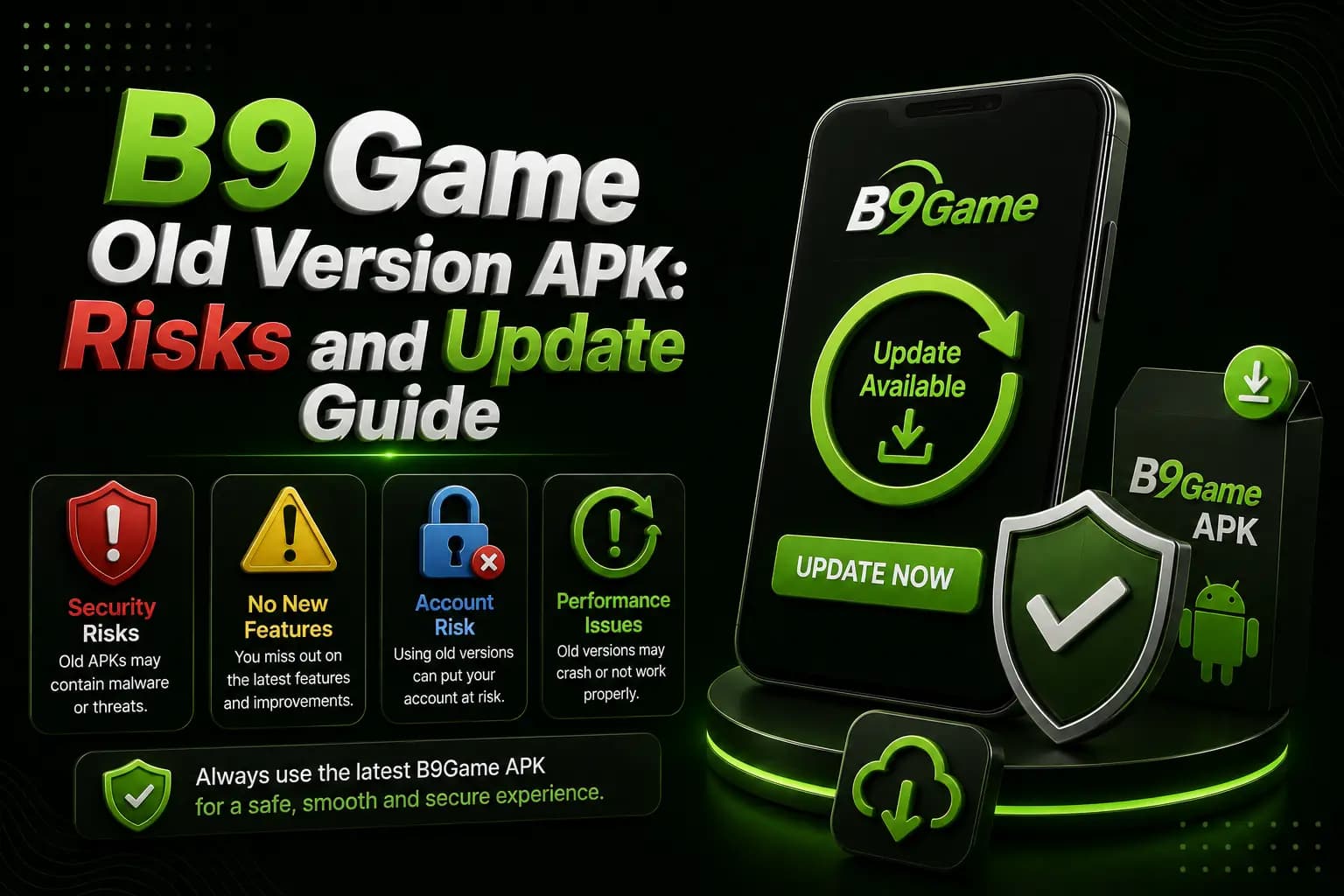
Published · Updated
B9 Game Old Version APK: Risks and Update Guide
An old B9Game APK might seem like a fix for installation problems, but it can create new login, payment and security issues. Here is a safer way to update.
Published · Updated
How to Identify a Fake B9 Game Website or APK
A fake B9Game website can copy the name, logo and download buttons. Learn how to verify the domain, APK and payment details before you share any information.