
Published
Quick Answer
What are the steps to install the B9 Game APK on Android?
To install the B9 Game APK on Android, download the file from a verified source, scan it, allow Install unknown apps for your browser or file manager, tap the APK and choose Install. Respect any Play Protect warning, review permissions after installing, then switch the unknown-apps permission off again.
| Item | Detail |
|---|---|
| File type | Must end in .apk |
| Unknown-apps setting (Android 8+) | Per-app, under Special app access |
| Free storage | Several hundred MB |
| Battery | At least 20 percent |
| Normal permissions | Internet and possibly notifications |
| Last updated |
Key Takeaways
- Since Android 8, the unknown-apps permission is given to one app, such as Chrome or Files, not the whole phone.
- If a file can only be installed with Play Protect turned off, delete it and look for a verified file instead.
- A package conflict error means the installed app and the new file are signed by different publishers, so stop.
- Question SMS, contacts, accessibility and device-administrator permissions, because they can expose OTP codes or control the screen.
- Old 2022 builds may not support current login, verification or payment systems and may be refused by newer Android versions.
This B9 Game install APK guide starts where most download pages stop: after the file is on your phone. Downloading is one tap. Installing is where Android asks for permissions, shows security warnings and sometimes refuses with "App not installed" or "There was a problem parsing the package".
Below you will find what to prepare, the exact setting to change on your Android version, how to respond to Play Protect, which permissions to question and a troubleshooting table for the errors people in Pakistan report most. For choosing a safe source in the first place, see the main download guide; for checking whether you already have the newest file, see the latest-version guide.
B9 Game Install APK Checklist: Before You Start
- Storage: keep several hundred MB free, not just the size of the APK. Android needs extra space to unpack and optimise the app.
- Battery: at least 20 percent, so the phone does not shut down mid-install.
- Source: the file should come from a source you have verified, not from a WhatsApp forward or a "mod" page.
- File type: the name should end in .apk. A ZIP, EXE or double extension like .png.apk is a warning sign.
- Scan: run the file through a reputable mobile security app before opening it.
- Account: if you are reinstalling, make sure you know your registered +92 number and password first.
Allow Unknown Apps on Your Android Version
Android blocks apps from outside Google Play by default. The setting that unblocks them changed in Android 8, so the steps depend on your phone's Android version. You can check it under Settings > About phone > Android version.
| Android version | Where the setting is | How it works |
|---|---|---|
| Android 7 and older | Settings > Security (or Lock screen and security) > Unknown sources | One switch for the whole phone. Turn it off again after installing. |
| Android 8 to 12 | Settings > Apps > Special app access > Install unknown apps | Permission is given to one app, such as Chrome or Files, not the whole phone. |
| Android 13 and newer | Same per-app setting; Android often opens it automatically when you tap the APK | Tap Settings on the prompt, enable "Allow from this source", then go back. |
| Samsung One UI | Settings > Apps > menu (three dots) > Special access > Install unknown apps | Per-app permission, wording may differ slightly. |
| Xiaomi, Redmi, Poco (MIUI / HyperOS) | Settings > Apps > Manage apps / Permissions > Install unknown apps | May also show a timed security warning you must wait through. |
Oppo, Realme, Vivo, Infinix and Tecno phones use similar per-app permissions, sometimes under Privacy or Security instead of Apps. If you cannot find it, search "unknown apps" in the Settings search bar.
How to Install the B9 Game APK Step by Step
- Open your browser's Downloads list or the Files app and find the downloaded B9 Game APK.
- Confirm the file name and that it ends in .apk. Do not rename it.
- Tap the file. If Android says installs from this source are blocked, tap Settings and allow the browser or file manager you are using.
- Go back. Android shows an install screen with the app name and, on some versions, its icon. Check that the name is what you expect.
- Tap Install (or Update if an older copy is already on the phone).
- If Play Protect shows a message, read it carefully before choosing anything (see the next section).
- Wait for "App installed". Tap Open, or find the icon in your app drawer.
- Log in or register, then go to Settings > Apps > B9 Game > Permissions and review what was granted.
- Return to the Install unknown apps setting and switch the permission off for your browser or file manager.
Play Protect Warnings During B9 Game Install
Google Play Protect checks apps installed from outside Google Play. You may see a few different messages, and they do not all mean the same thing.
- "Send app for scanning?" Google is offering to check an app it has not seen before. Sending it is generally a sensible choice.
- "Unsafe app blocked" or "Harmful app": Play Protect has matched the file to known risky behaviour. Do not install it. Delete the file and find a verified source.
- "This app was built for an older version of Android": the APK may be outdated. Look for a current file rather than forcing an old one.
- In some regions and on some phones, Play Protect may block certain sideloaded apps outright without an install-anyway option.
Do not turn Play Protect off permanently just to finish one installation. If a file can only be installed with protection disabled, that is a reason to stop, not to continue.
Review Permissions After Installing
A gaming app reasonably needs internet access and may ask for notifications. Question anything beyond that, especially:
- Read or receive SMS (can expose OTP codes)
- Contacts and call logs
- Accessibility service (can read and tap the screen for you)
- Device administrator
- Install other apps
- Background location, microphone or camera without a clear reason
If you see a request you do not understand, deny it. A genuine feature that needs it will ask again when you actually use it.
Troubleshooting: App Not Installed and Parse Errors
| Error message | Likely cause | What to try |
|---|---|---|
| App not installed | Low storage, damaged download or a conflicting copy | Free up space, delete the file, download again from the same verified source |
| App not installed as package conflicts with an existing package | Installed app and new file are signed by different publishers | Stop. Confirm the new file's source before uninstalling anything |
| There was a problem parsing the package | Incomplete download or Android version too old for the file | Re-download on stable Wi-Fi; check your Android version |
| Install blocked / For your security, your phone is not allowed to install unknown apps | Unknown-apps permission not given to this browser or file manager | Enable Install unknown apps for that specific app |
| Blocked by Play Protect | File matched known harmful patterns or is flagged | Do not install; delete and get a verified file |
| App installed but closes immediately | Incompatible build, low RAM or corrupted data | Restart phone, clear app cache, then reinstall a verified file |
| Installer button greyed out | Screen overlay or bubble app is active | Close chat heads, screen filters or floating apps and try again |
If the same file fails repeatedly, do not keep trying random versions from different sites. Each new source adds risk. The old-version and Uptodown guides explain why older or third-party files often fail to install or log in.
About "B9 Game Install APK 2022" Files
Searches for a 2022 install file usually come from people with older phones or who remember an earlier layout. Old builds may not support current login, verification or payment systems, and newer Android versions can refuse apps built for very old Android targets. Use a current, verified file where your phone allows it.
Conclusion
A clean B9 Game install comes down to a verified file, the correct unknown-apps setting for your Android version, respect for Play Protect warnings and a careful look at permissions afterwards. Real-money play is for adults aged 18 and over, can result in losses and should only ever use money you can afford to lose.
Frequently Asked Questions
How do I install the B9 Game APK on Android?
Download the file from a verified source, allow Install unknown apps for your browser or file manager, tap the APK, choose Install, then switch the permission off again.
Why does my phone say App not installed?
Common causes are low storage, a damaged download, an Android version that is too old, or a signature conflict with an existing copy of the app.
What does parse error mean during B9 Game install?
Android could not read the package, usually because the download is incomplete or the file is not compatible with your Android version.
Should I disable Play Protect to install B9 Game?
No. If a file can only be installed with Play Protect turned off, delete it and look for a verified file instead.
Can I install the B9 Game APK on iPhone?
No. APK is an Android format. A native iOS app has not been independently verified for this guide.
Which permissions should the B9 Game app need?
Internet access and possibly notifications are normal. Be cautious about SMS, contacts, accessibility, device-administrator and install-other-apps permissions.
Will reinstalling delete my balance?
Balances are normally linked to the account rather than the app file, but confirm you can log in and save screenshots of your balance before uninstalling.
Related B9Game Guides
More B9 Game Guides
Published
B9 Game APK 2026 Free Download: How to Check the Latest Version
Every site claims to host the newest B9 Game APK for 2026. Learn how to check which version you really have, how updates normally arrive and how to update safely.
Published
B9 Game Download APK Uptodown and APKPure: Risks Explained
Third-party stores like Uptodown and APKPure look safer than random websites, but they still carry risks for a real-money app. Learn how they work, how to check a file and why old versions there often fail.
Published · Updated
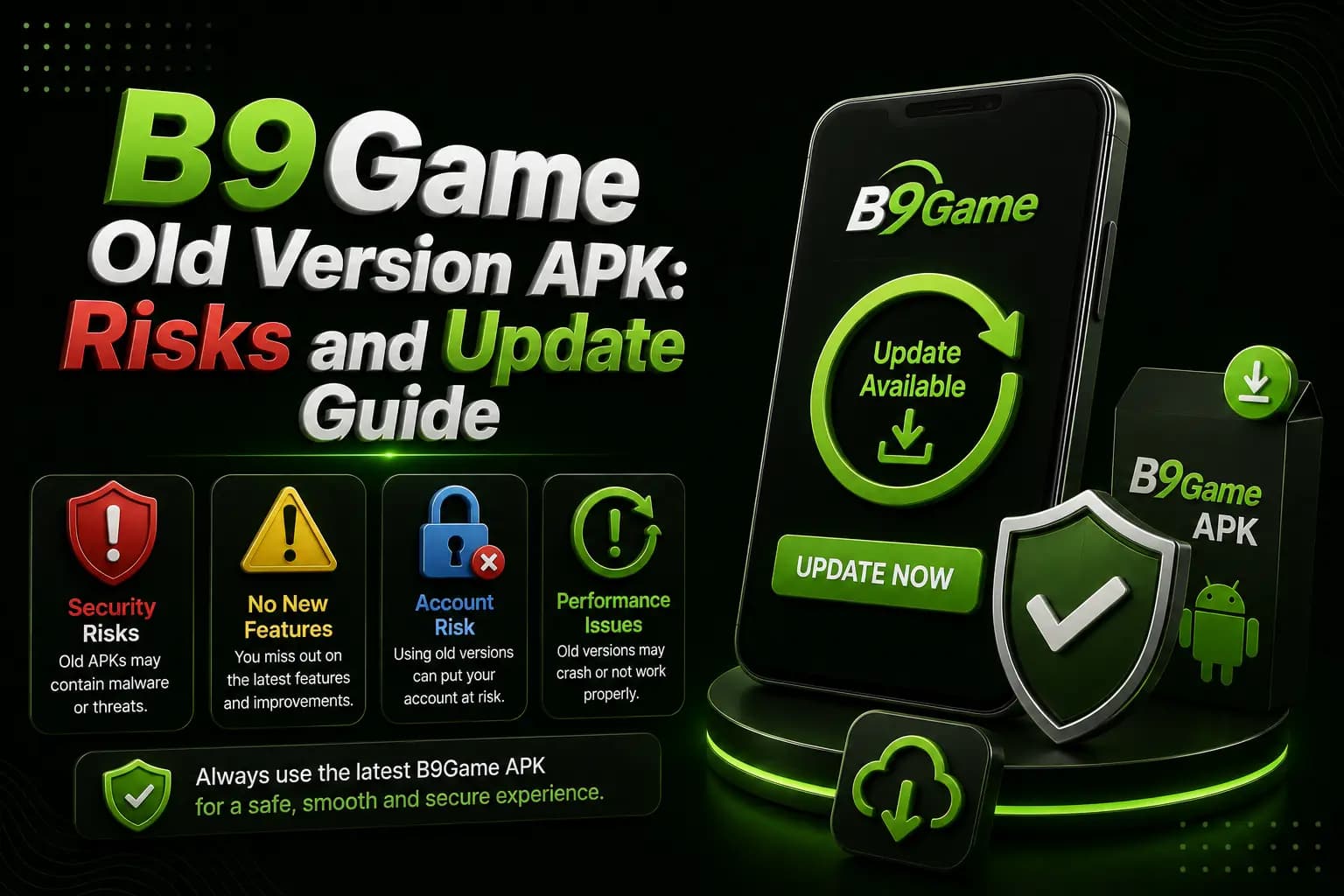
B9 Game Old Version APK: Risks and Update Guide
An old B9Game APK might seem like a fix for installation problems, but it can create new login, payment and security issues. Here is a safer way to update.
Published
B9 Game VIP: How VIP Levels and Rewards Usually Work
Seen a VIP badge or level bar and wondering what it means? Learn how VIP levels and rewards usually work on real-money platforms, where to confirm the real B9 Game rules in your account, and why chasing a higher level is a costly habit.